42
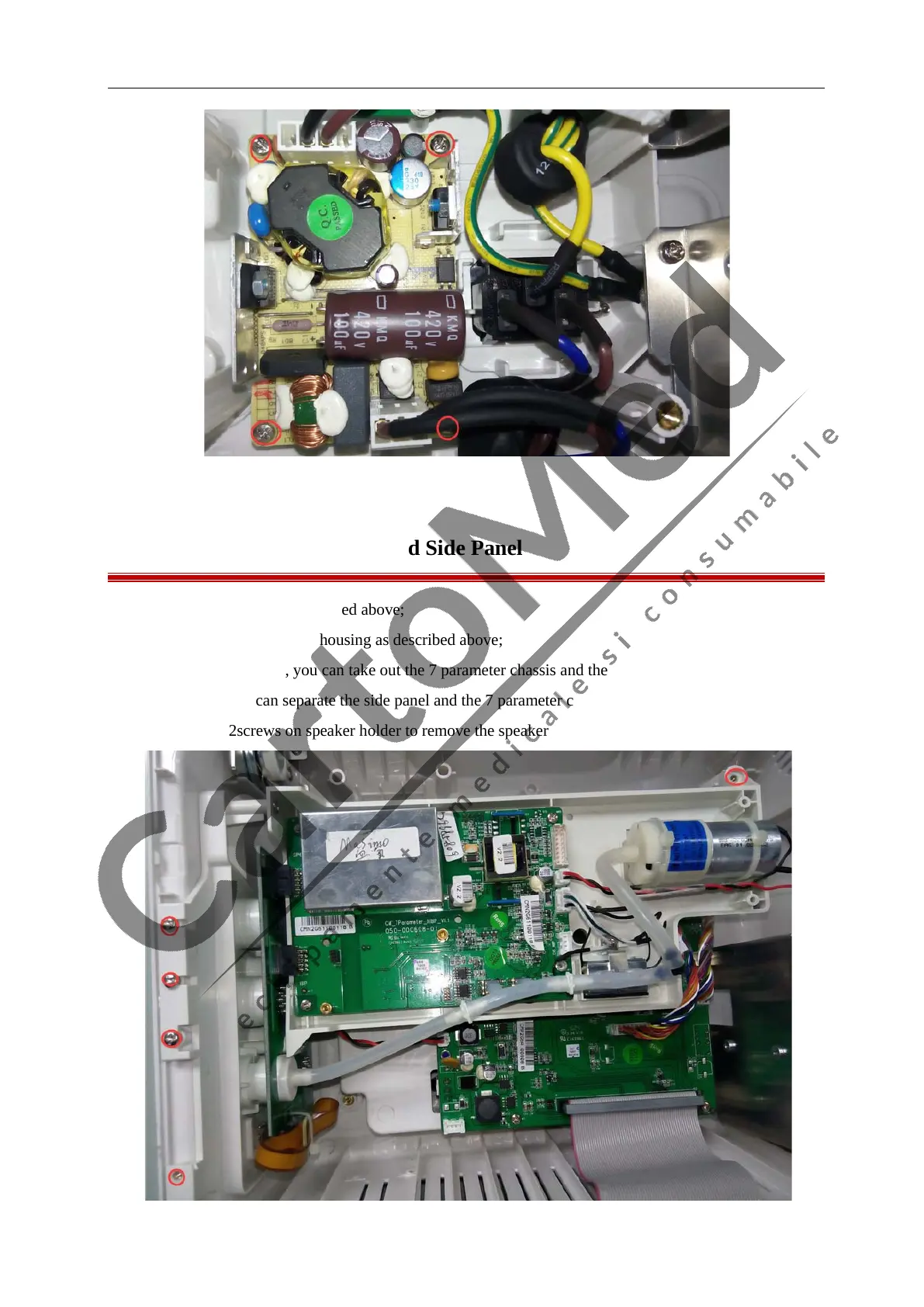
7.13 Removing the Speaker and Side Panel
1. Remove the Battery as described above;
2. Separate the front and rear housing as described above;
3. Unscrew the 5 screws, you can take out the 7 parameter chassis and the side panel, unscrew the 2
screws, then you can separate the side panel and the 7 parameter chassis.
4. Unscrew the 2screws on speaker holder to remove the speaker.



 To Next Page