35
7.2 Removing the Battery
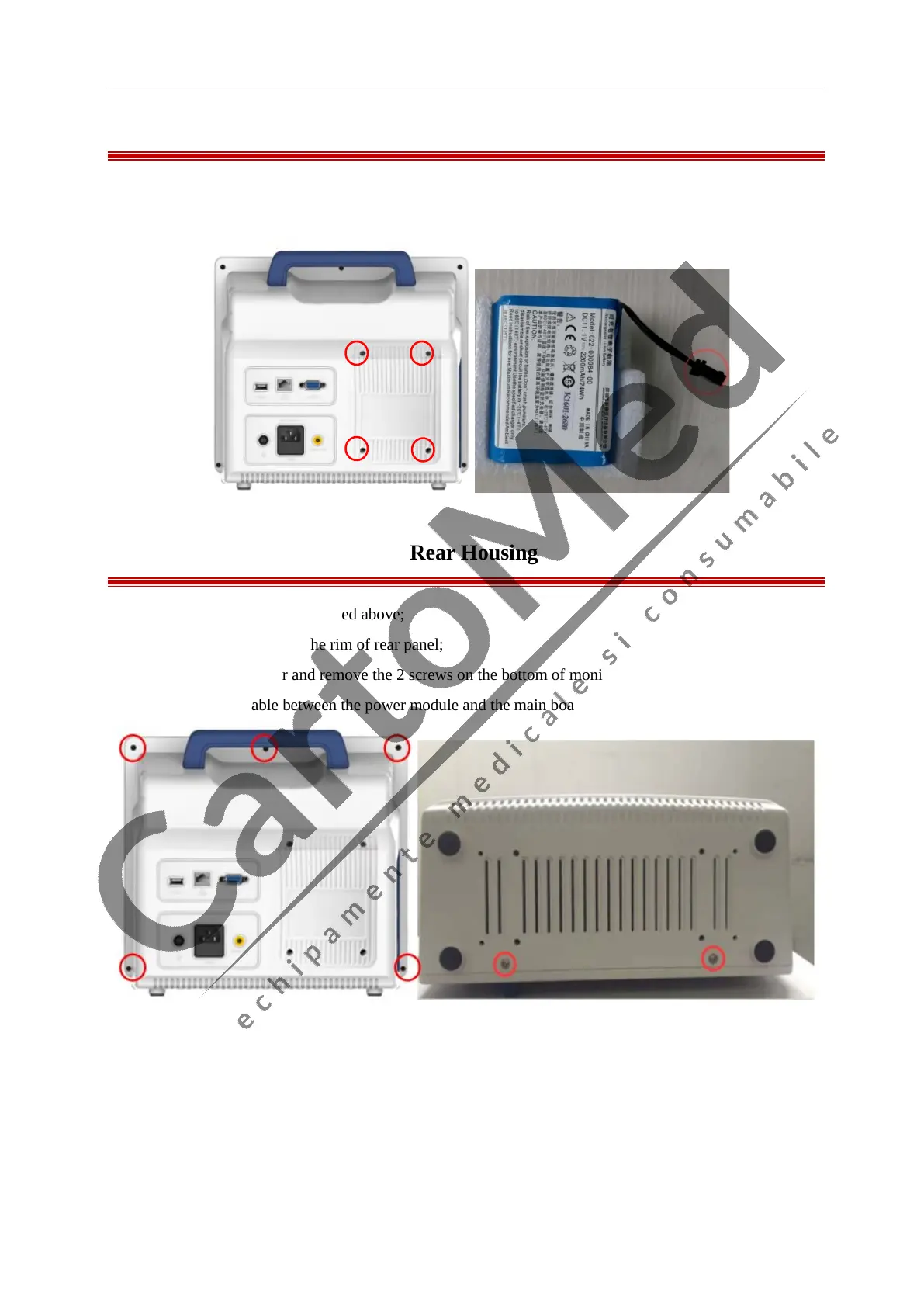
1. Open the battery compartment by removing the 4 screws on the back of monitor.
2. Disconnect the battery cable and then take out the battery as below shows.
7.3 Separating the Front and Rear Housing
1. Remove the Battery as described above;
2. Remove the 5 screws on the rim of rear panel;
3. Lay down the monitor and remove the 2 screws on the bottom of monitor;
4. Disconnect the cable between the power module and the main board;



 To Next Page