26
Monitor software problem Ensure the monitor’s software support
the CMS
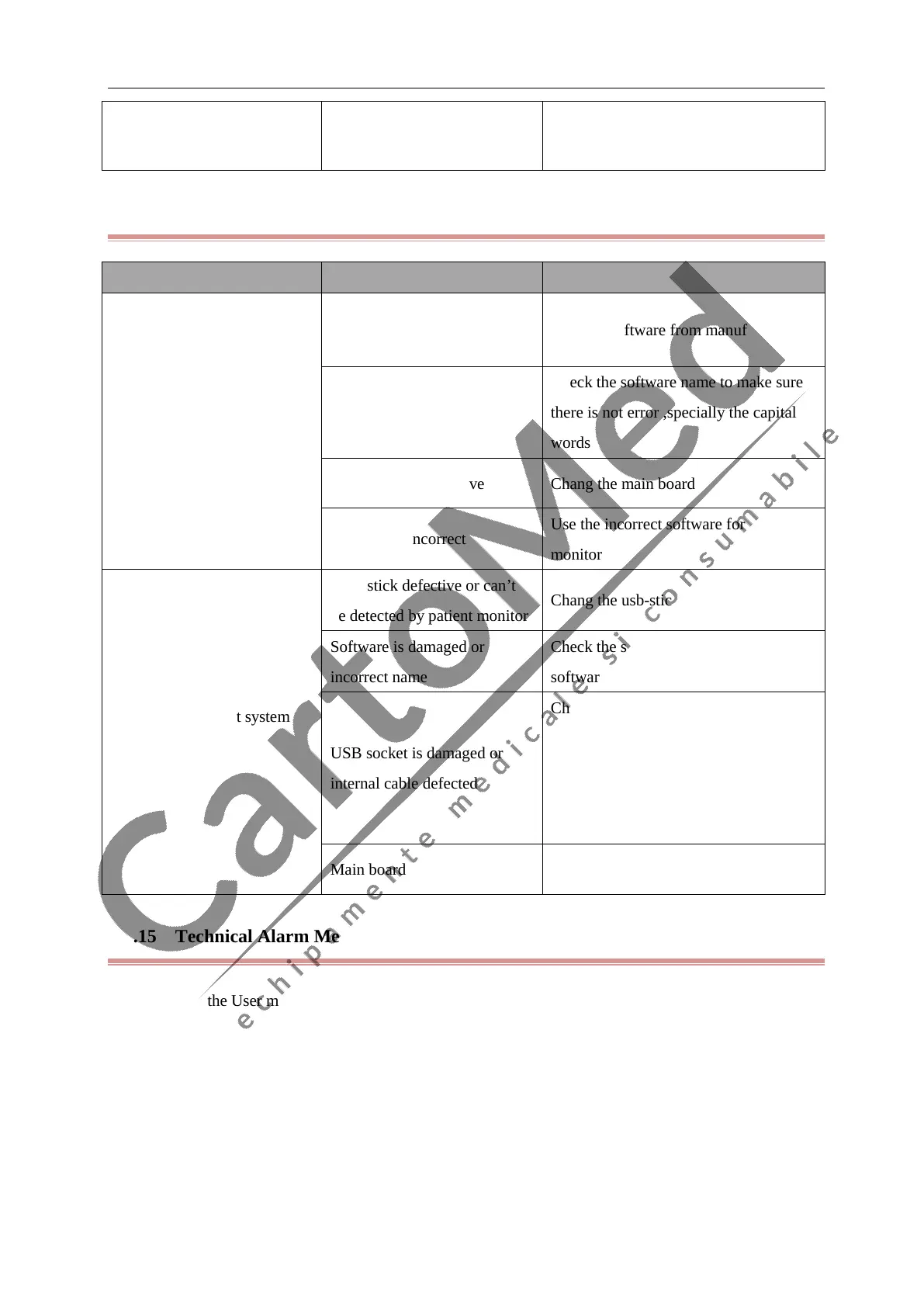
4.6.14 Software Upgrade Problems
Symptoms Possible Cause Corrective Action
System upgrade failure
“system tips”
Upgrade software is damaged Get new software from manufacturer
Software name incorrect
Check the software name to make sure
there is not error ,specially the capital
words
Main board is defective Chang the main board
Software is incorrect
Use the incorrect software for patient
monitor
Fail to upgrade ”not system
tips”
USB-stick defective or can’t
be detected by patient monitor
Chang the usb-stick for testing
Software is damaged or
incorrect name
Check the software name or change the
software
USB socket is damaged or
internal cable defected
Check the software on another patient
monitor to confirm if the usb-stick and
software no problem, then check the
patient monitor usb socket and internal
cable
Main board is defected Replace the main board
4.6.15 Technical Alarm Messages
Please refer to the User manual.



 To Next Page