37
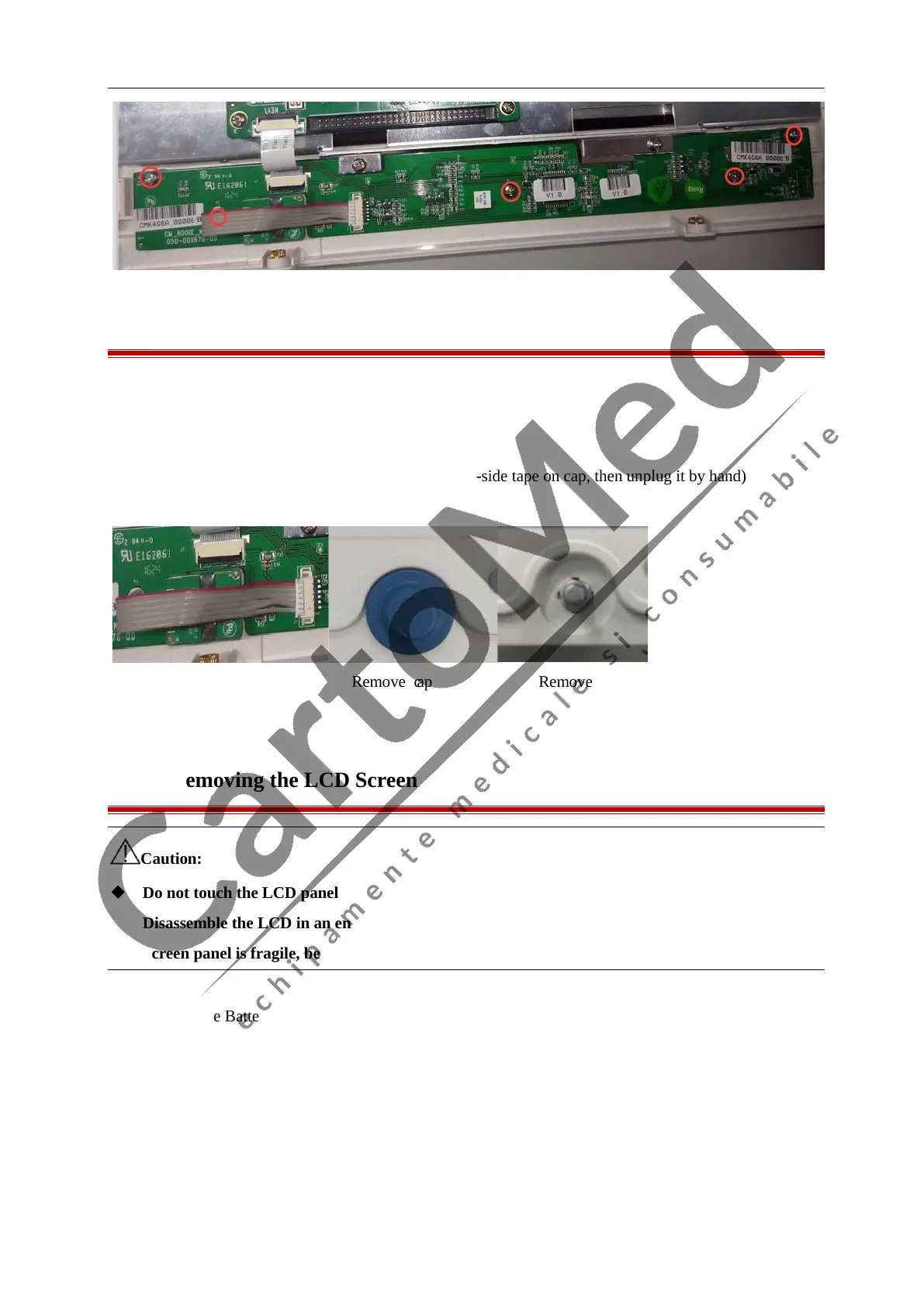
7.6 Removing the Knob Encoder
1. Remove the Battery as described above;
2. Separate the front and rear housing as described above;
3. Disconnect the cable on Knob Encoder;
4. Unplug the cap of knob (tip: stick some 3M double-side tape on cap, then unplug it by hand)
5. Unscrew the screw nut on the Knob Encoder:
Disconnect inner wire Remove cap Remove nut
7.7 Removing the LCD Screen
Caution:
Do not touch the LCD panel
Disassemble the LCD in an environment as dust-free as possible
Screen panel is fragile, be careful in installation or disassemble
1. Remove the Battery as described above;
2. Separate the front and rear housing as described above;
3. Disconnect the cables on keyboard, alarm lamp board, LCD cable;



 To Next Page