24
Cables from Motherboard to
side plate connector poorly
connected
1. Check that the cable between the Motherboard to
the side plate connector is correctly connected.
2. Check that the cables and connectors are not
damage
The cable from the
EtCO
2
module to side plate
socket is not connected well
Check the cable from EtCO
2
module to side plate
socket and reconnect them
EtCO
2
module is defective Replace the EtCO
2
module
Motherboard is defective Replace the Motherboard
EtCO
2
readings or
wave are incorrect
EtCO
2
sampling line or air
adapter is defective
Replace the EtCO
2
probe
EtCO
2
module is defective Replace the EtCO
2
module
Motherboard is defective Replace the Motherboard
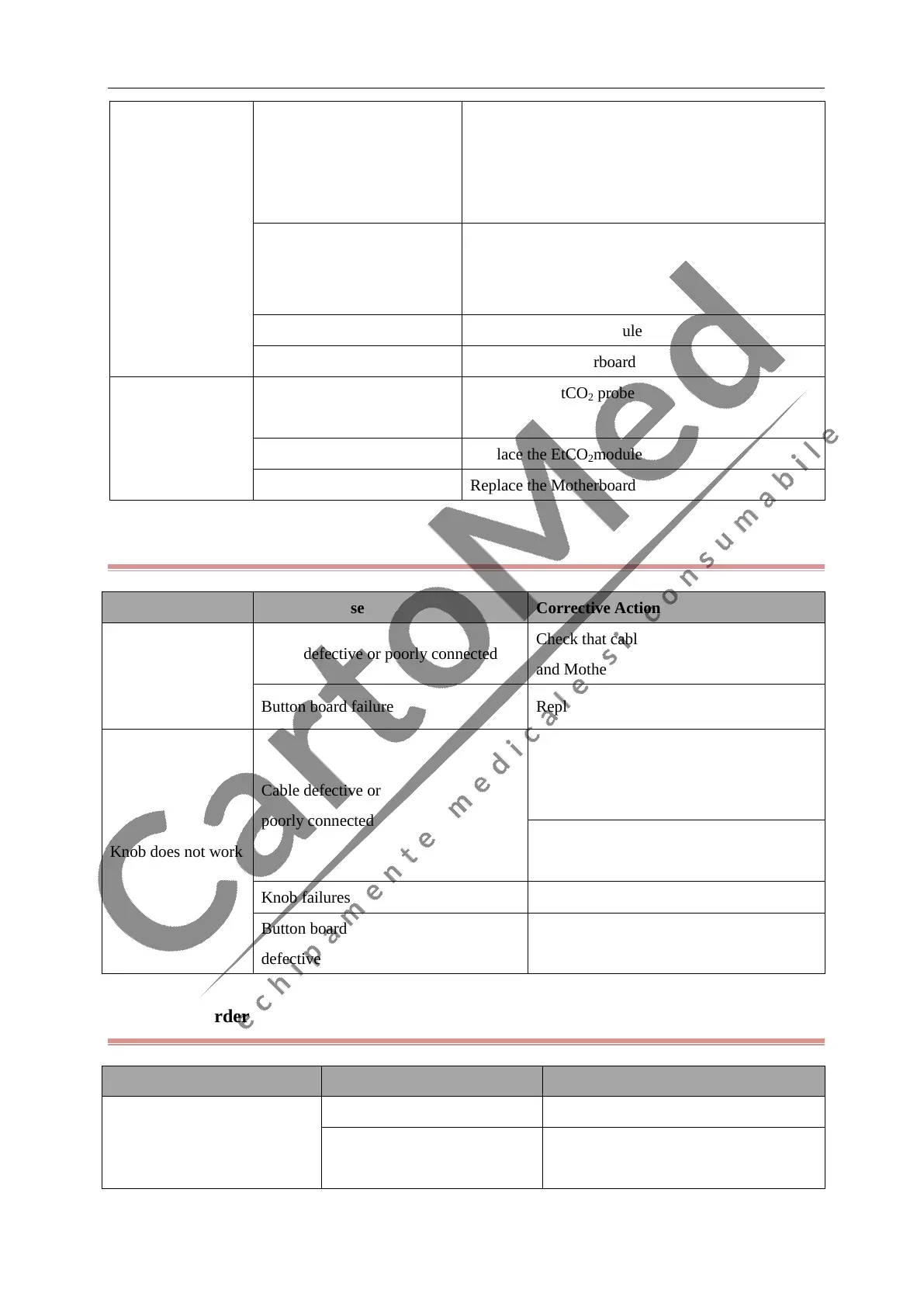
4.6.11 Button and Knob Failures
Symptoms Possible Cause Corrective Action
Buttons do not work
Cable defective or poorly connected
Check that cable between button board
and Motherboard is properly connected.
Button board failure Replace button board.
Knob does not work
Cable defective or
poorly connected
1. Check that cables from knob to button
board, and button board to Motherboard
are properly connected
2. Check that connecting cables and
connectors are undamaged.
Knob failures Replace the knob
Button board failure or knob board is
defective
Button board malfunctions. Replace the
button board
4.6.12 Recorder Failures
Symptoms Possible Cause Corrective Action
No printout
Paper reversed Re-install the paper roll.
The record door does not close
well
Check out door and indicator light
(green is the working status)



 To Next Page