36
7.4 Removing the Recorder
1. Remove the Battery as described above;
2. Separate the front and rear housing as described above;
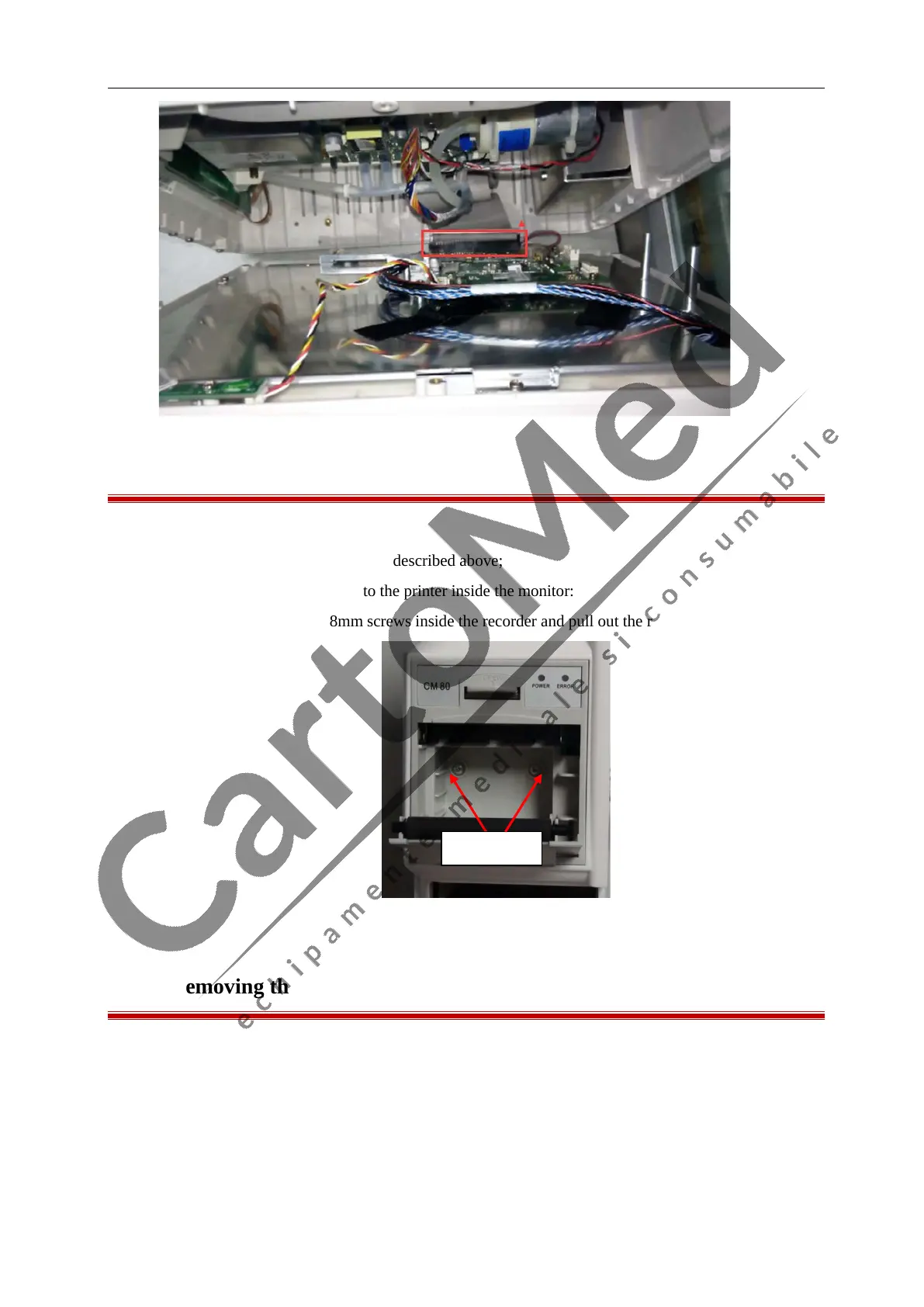
3. Unplug the cable which connects to the printer inside the monitor:
4. Unscrew the two PWM 3.0×8mm screws inside the recorder and pull out the recorder:
7.5 Removing the Button Board
1. Remove the Battery as described above;
2. Separate the front and rear housing as described above;
3. Disconnect the cables that connect the Button Board, unscrew the five PB3×5mm screws to dismantle
the Button Board



 To Next Page