Chapter 1
Getting started
Welcome to the next generation of ultra, high-speed ARRIS
®
DOCSIS 3.1
®
Wi‑Fi
cable
modems. The SURFboard G34/G36 is a combination of DOCSIS 3.1 cable modem and multi-
port Ethernet router with Wi-Fi. It uses DOCSIS 3.1 technology to provide ultra, high-speed
Internet access in your home or small business network. Using the connection capabilities
of the
Wi‑Fi
cable modem, you can connect your computer and other network-enabled
devices using the four Ethernet ports or the 2.4 GHz and 5 GHz wireless connections. The
G34/G36 connects to the existing coaxial cable connection in your home.
This user guide provides instructions for installing and configuring your G34/G36, setting up
secure Wi-Fi network connections for your network devices, and managing your Wi-Fi home
network configuration.
In the box
Before installing your G34/G36, check that the items listed in the table below are included
in the G34/G36 product box. If any items are missing, please call ARRIS technical support at
1-877-466-8646 for assistance.
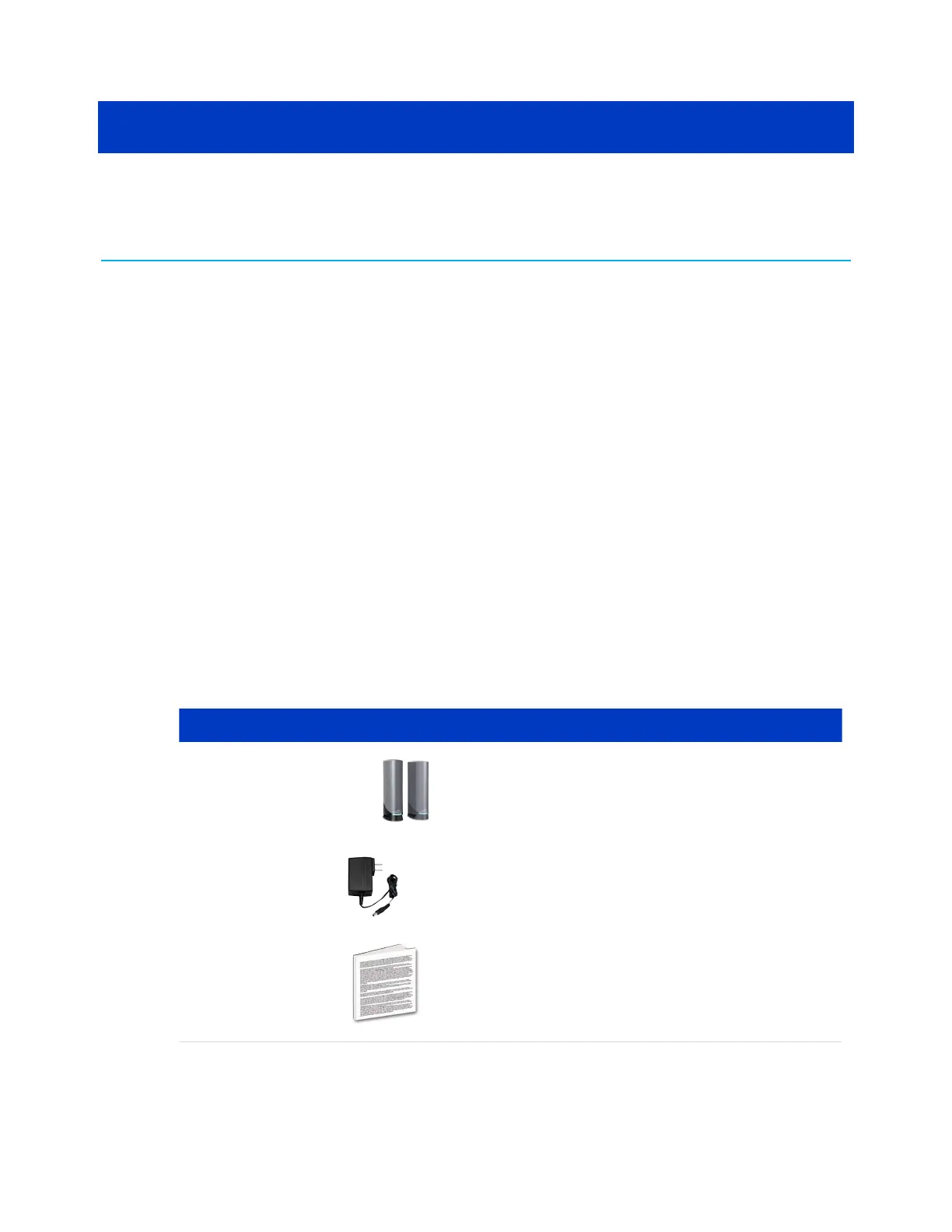
Table 1: G34/G36 package contents
Item Description
G34/G36
Wi‑Fi
cable modem
High-speed DOCSIS 3.1 cable modem, wireless
access point, and four-port Ethernet router
Wall power supply Power supply for an electrical wall outlet connection
Software License &
Warranty card
Contains safety and regulatory information,
software license, and warranty for the G34/G36.
SURFboard
®
G34/G36 DOCSIS
®
3.1 Wi-Fi
®
Cable Modem User Guide STANDARD Revision x.3 11













 To Next Page