Chapter 5:Using the Wi-Fi Cable Modem Web Manager
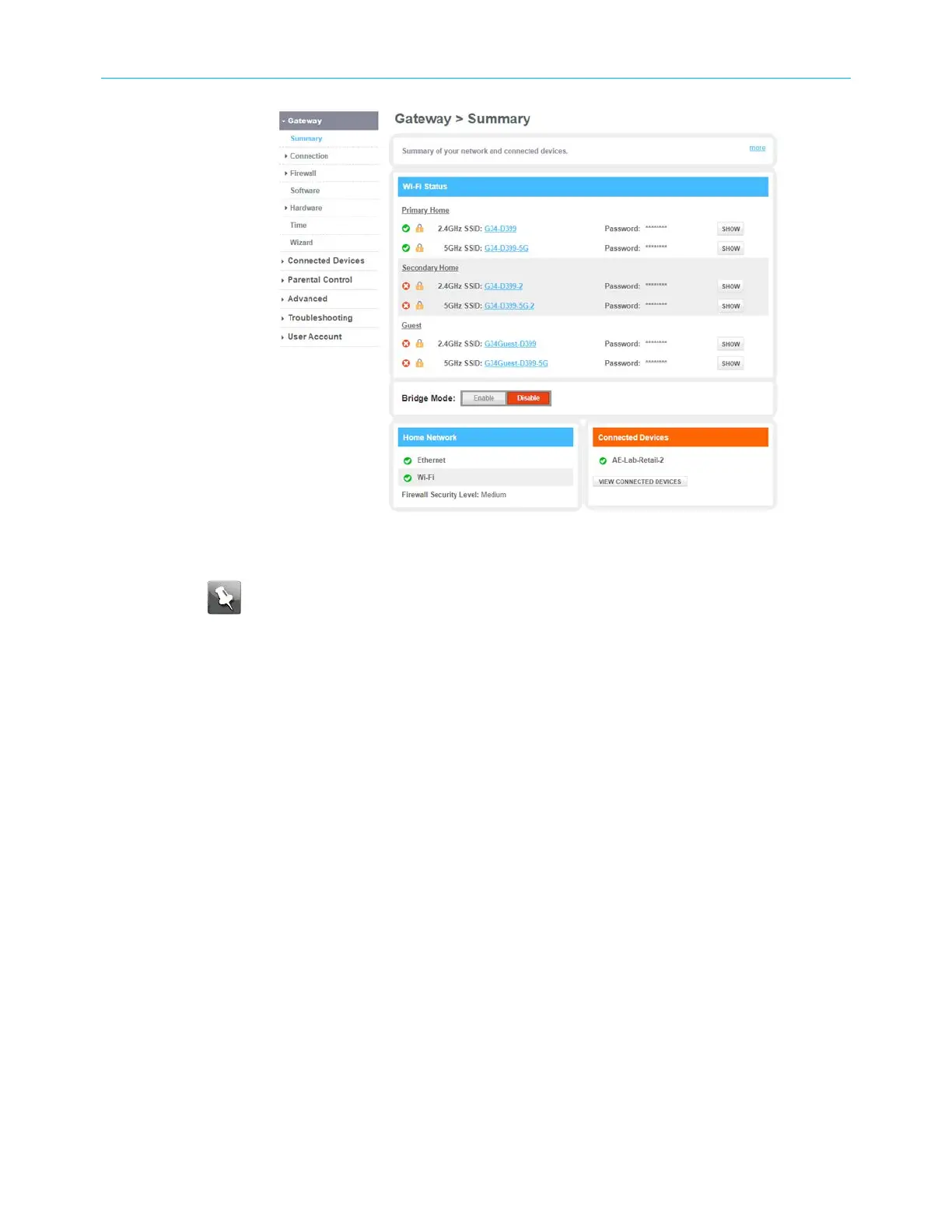
Figure 23: G34/G36 Summary screen
Note: See Set up your Wi-Fi network (page38)to configure your home
network for Wi-Fi.
G34/G36 Web Manager menu links
The G34/G36 main menu links and related submenu option links are displayed along the left
side of the G34/G36 Web Manager screen. Click on the main menu link to expand the list of
submenu options.
SURFboard
®
G34/G36 DOCSIS
®
3.1 Wi-Fi
®
Cable Modem User Guide STANDARD Revision x.3 35













 To Next Page