Chapter 7:Protecting & monitoring your Wi-Fi network
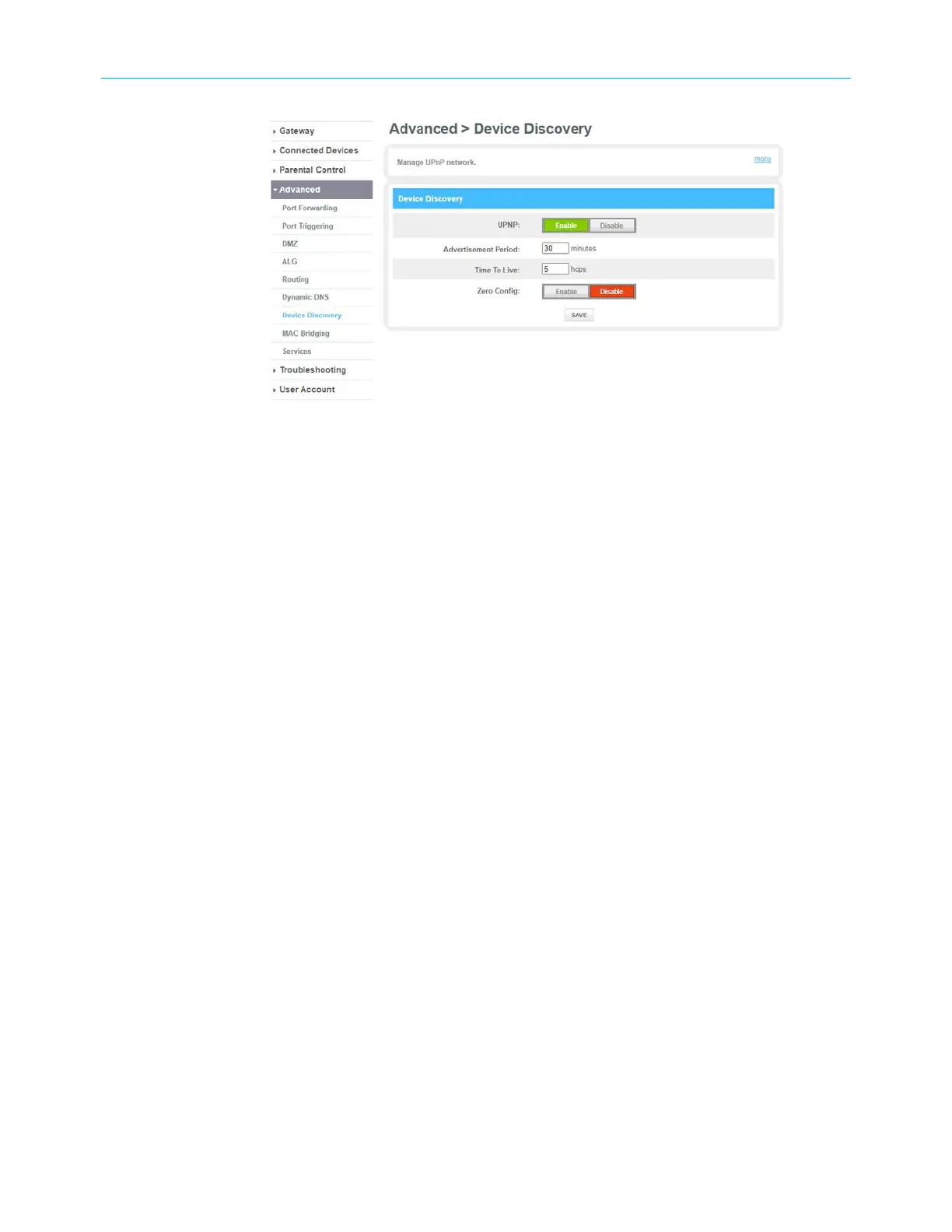
3. Click the Enable button for the managing UPnP.
4. Enter the time in the Advertisement Period field to allow your gateway to advertise the
UPnP information.
5. Enter the number of steps each UPnP advertisement is allowed to propogate before
disappearing in the Time To Live field.
6. Click the Enable button to allow devices such as printers and computers to connect to a
network automatically.
7. Click SAVE.
Set up MAC bridging
Using MAC bridging mechanism, you can allow devices on your LAN network to directly
connect to the WAN network. The bridged device will get the IP address from your Internet
provider and does not have access to your local network.
To set up the MAC bridging:
1. From any G34/G36 Web Manager screen, click the Advanced menu link.
2. Click MAC Bridging to display the MAC Bridging screen.
SURFboard
®
G34/G36 DOCSIS
®
3.1 Wi-Fi
®
Cable Modem User Guide STANDARD Revision x.3 63













 To Next Page