Chapter 5:Using the Wi-Fi Cable Modem Web Manager
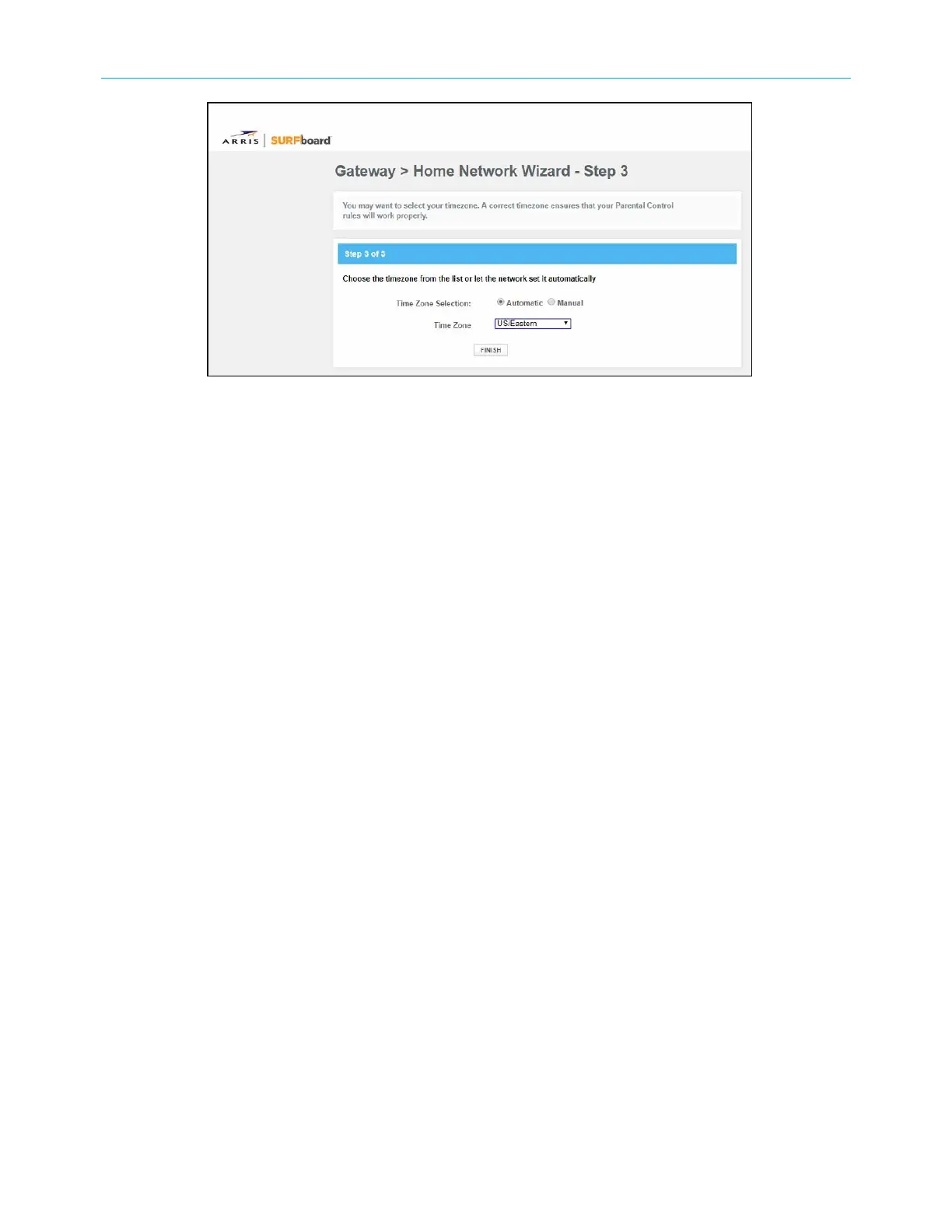
Figure 19: G34/G36 Home Network Wizard-Step 3 screen
13. Select Automatic or Manual to set up your time zone.
■
Select Automatic to allow the network to automatically set your time zone.
■
Select Manual to choose your time zone from the Time Zone drop-down list.
14. Click FINISH.
Start the G34/G36 Web Manager
To open the G34/G36 Web Manager:
1. Open a web browser (such as Internet Explorer, Google Chrome, Firefox, or Safari) on
the computer or laptop connected to your G34/G36.
2. Type the default LAN IP address, 192.168.0.1, in the Address bar and then press Enter
to log onto the G34/G36 and open the G34/G36 Web Manager Login screen.
SURFboard
®
G34/G36 DOCSIS
®
3.1 Wi-Fi
®
Cable Modem User Guide STANDARD Revision x.3 33













 To Next Page