Chapter 5:Using the Wi-Fi Cable Modem Web Manager
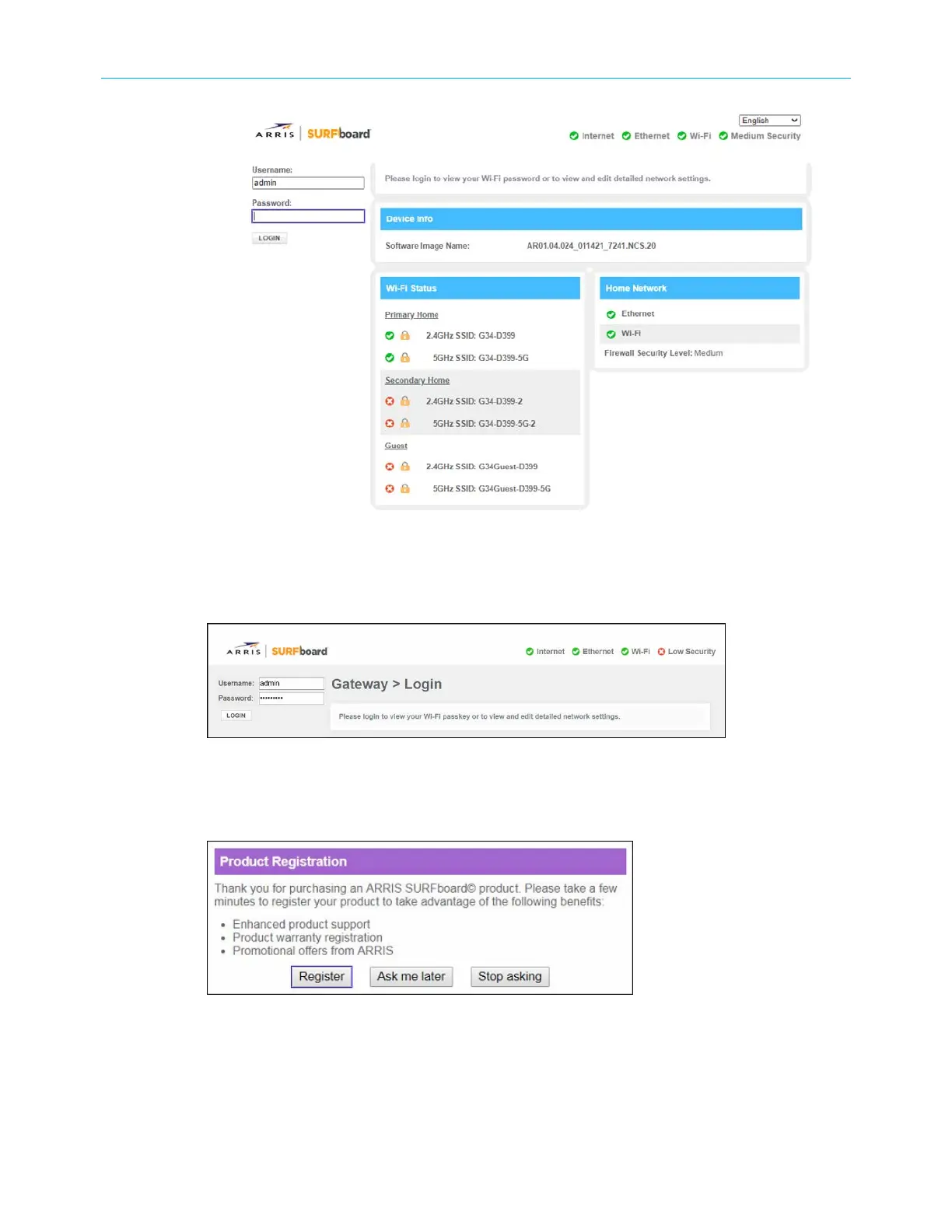
Figure 20: G34/G36 Web Manager Login screen
3. Type admin for the default login username (case-sensitive) in the Username field.
4. Type your new password in the Password field.
Figure 21: G34/G36 Web Manager Login screen
5. Click LOGIN to open the G34/G36 Web Manager.
The Product Registration window opens.
Figure 22: G34/G36 Product Registration screen
6. Click Register, Ask me later, or Stop asking to proceed.
SURFboard
®
G34/G36 DOCSIS
®
3.1 Wi-Fi
®
Cable Modem User Guide STANDARD Revision x.3 34













 To Next Page