Chapter 8:Managing your Wi-Fi cable modem and connected networks
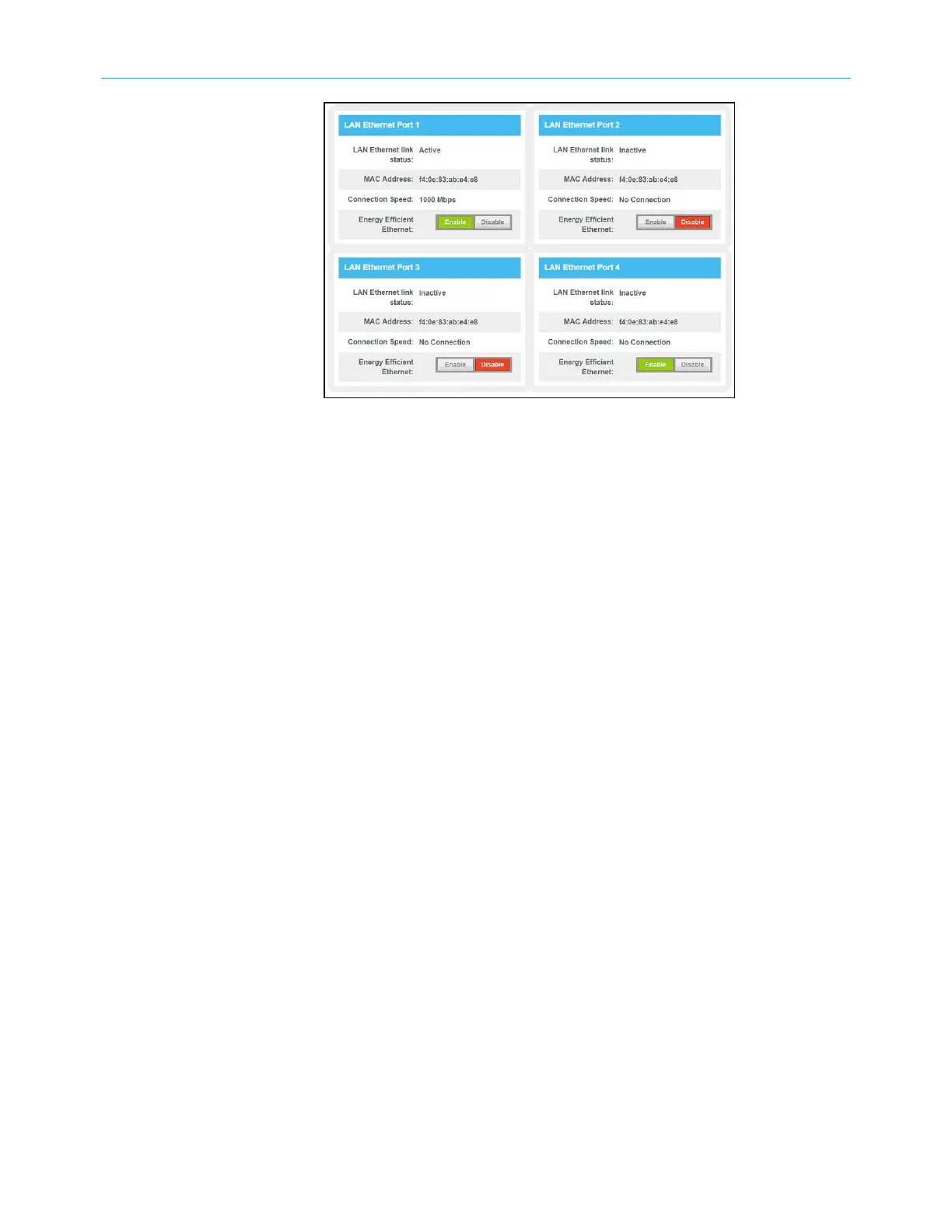
Figure 64: G34/G36LAN Ethernet Port screen
Reboot the G34/G36
Choose one of the following options to reboot (or restart) your G34/G36:
■
Reboot the G34/G36 using the Reset button (page68)
OR
■
Reboot the G34/G36 using the Web Manager (page69)
Reboot the G34/G36 using the Reset button
To reboot (or restart) your G34/G36 using the Reset button:
1. Insert the end of a paper clip (or other small object with a narrow tip) into the indented
Reset button opening on the rear of your G34/G36.
SURFboard
®
G34/G36 DOCSIS
®
3.1 Wi-Fi
®
Cable Modem User Guide STANDARD Revision x.3 68













 To Next Page