Chapter 5:Using the Wi-Fi Cable Modem Web Manager
Menu link Function
Troubleshooting Provides several options to help you resolve certain problems that may
occur with your G34/G36.
Exit the G34/G36 Web Manager
To log out and close the G34/G36 Web Manager:
■
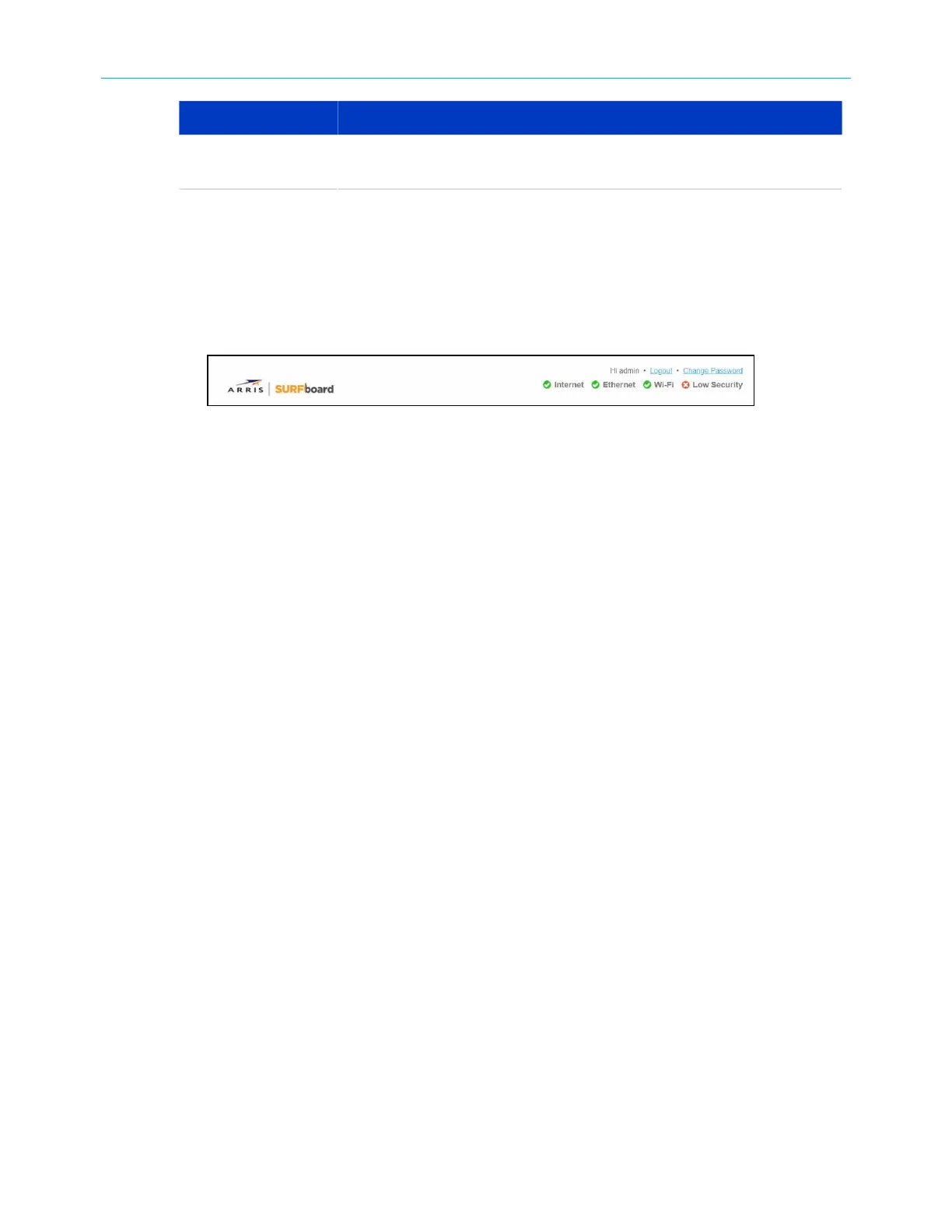
Click Logout link located in the upper right corner of the G34/G36 Web Manager screen.
Figure 25: G34/G36 Web Manager logout link
SURFboard
®
G34/G36 DOCSIS
®
3.1 Wi-Fi
®
Cable Modem User Guide STANDARD Revision x.3 37













 To Next Page