Chapter 2
Product overview
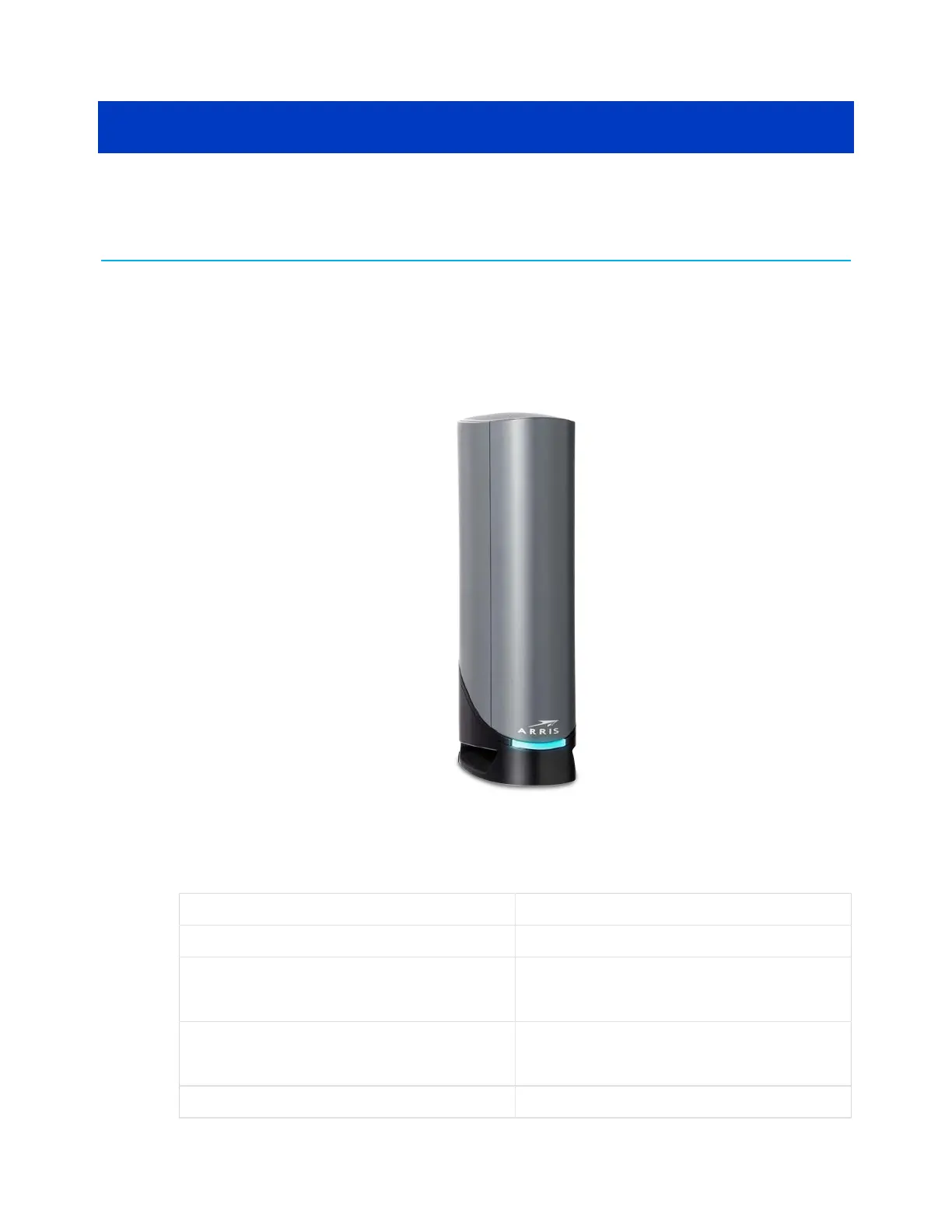
Front panel
Figure 1: G34/G36 front view
Table 2: G34/G36 front panel LED description
LED status LED status description
Amber (Solid) Power is connected
Green (Blinking)
Acquiring downstream/
upstream connection
Green (Solid)
Online status in DOCSIS 3.0
mode
Blue (Solid)
Online status in DOCSIS 3.1
SURFboard
®
G34/G36 DOCSIS
®
3.1 Wi-Fi
®
Cable Modem User Guide STANDARD Revision x.3 13













 To Next Page