Chapter 2:Product overview
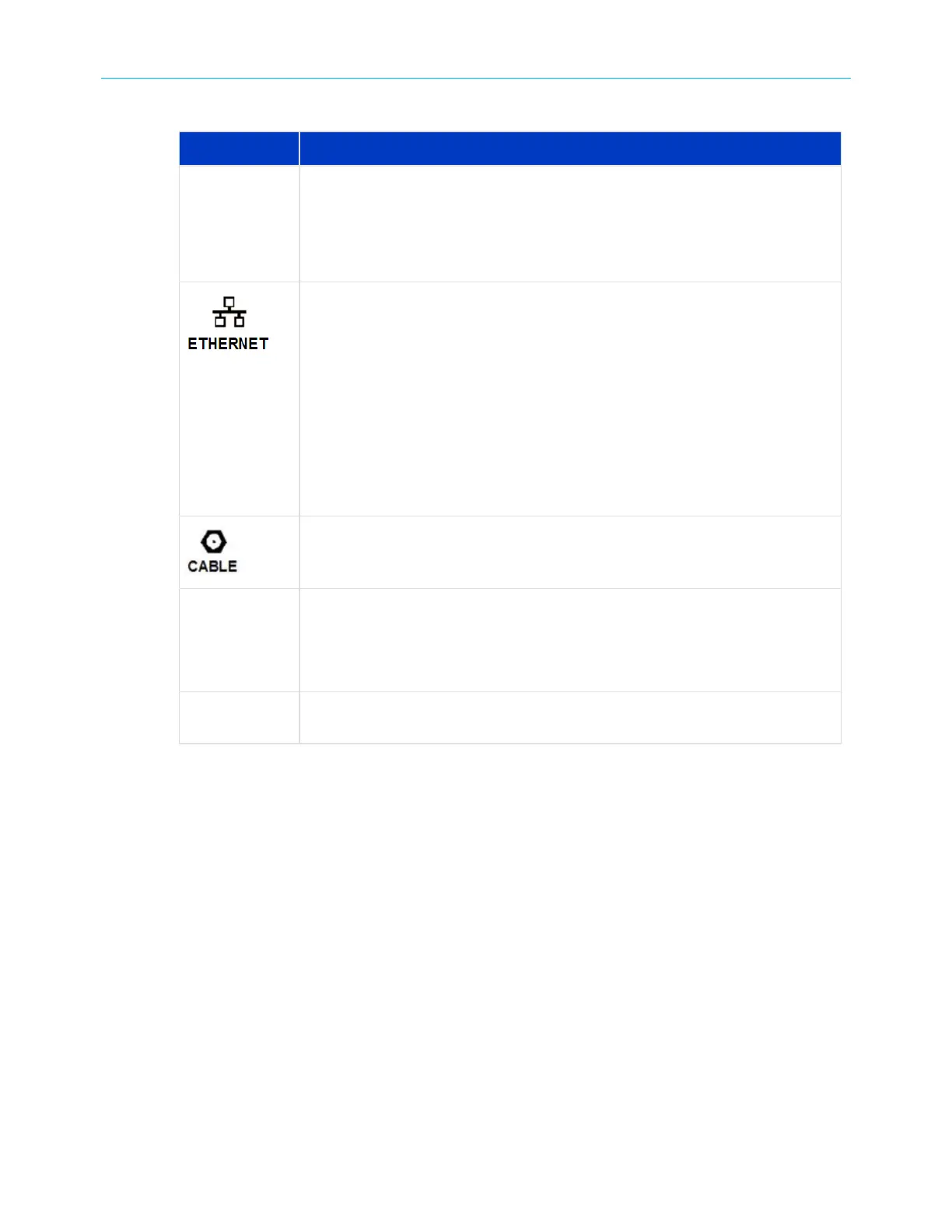
Table 3: G34/G36 rear panel ports & connectors
Port name Description
Reset button Reset button located on the rear panel of your G34/G36 can be used
to either reboot your G34/G36 or reset the G34/G36 configuration
settings. See Reboot the G34/G36 using the Reset button (page68)and
Restore the G34/G36 default configuration settings (page60) for more
information.
10/100/1000
Four one-gigabit Ethernet ports for RJ-45 network cable connections:
■
Green: LED is ON - Indicates the Online status is in DOCSIS 3.0 mode
■
Blue: LED is ON - Indicates the Online status is in DOCSIS 3.1 mode
■
Green: LED is Blinking - Indicates downstream/upstream channel search
■
Amber: LED is ON - Indicates the unit is powered on/off
■
Amber: LED is Blinking - Indicates the firmware download is in progress
■
Blue/Green: LED is Blinking - Indicates error mode in sequence
■
Light Blue: LED is ON: Indicates the WAN is selected over the Ethernet
mode
Coaxial cable connector
Power port 100 - 240 VAC Power connector must reflect a 12 VDC @2.5A power
adapter.
Warning: To avoid any damage to your G34/G36, only use the
power supply included in the G34/G36 box.
2.5G This is available in only G36 Wi-Fi cable modem to connect to the 2.5G
Ethernet port.
SURFboard
®
G34/G36 DOCSIS
®
3.1 Wi-Fi
®
Cable Modem User Guide STANDARD Revision x.3 15













 To Next Page