Chapter 4:Setting up a Wi-Fi network connection
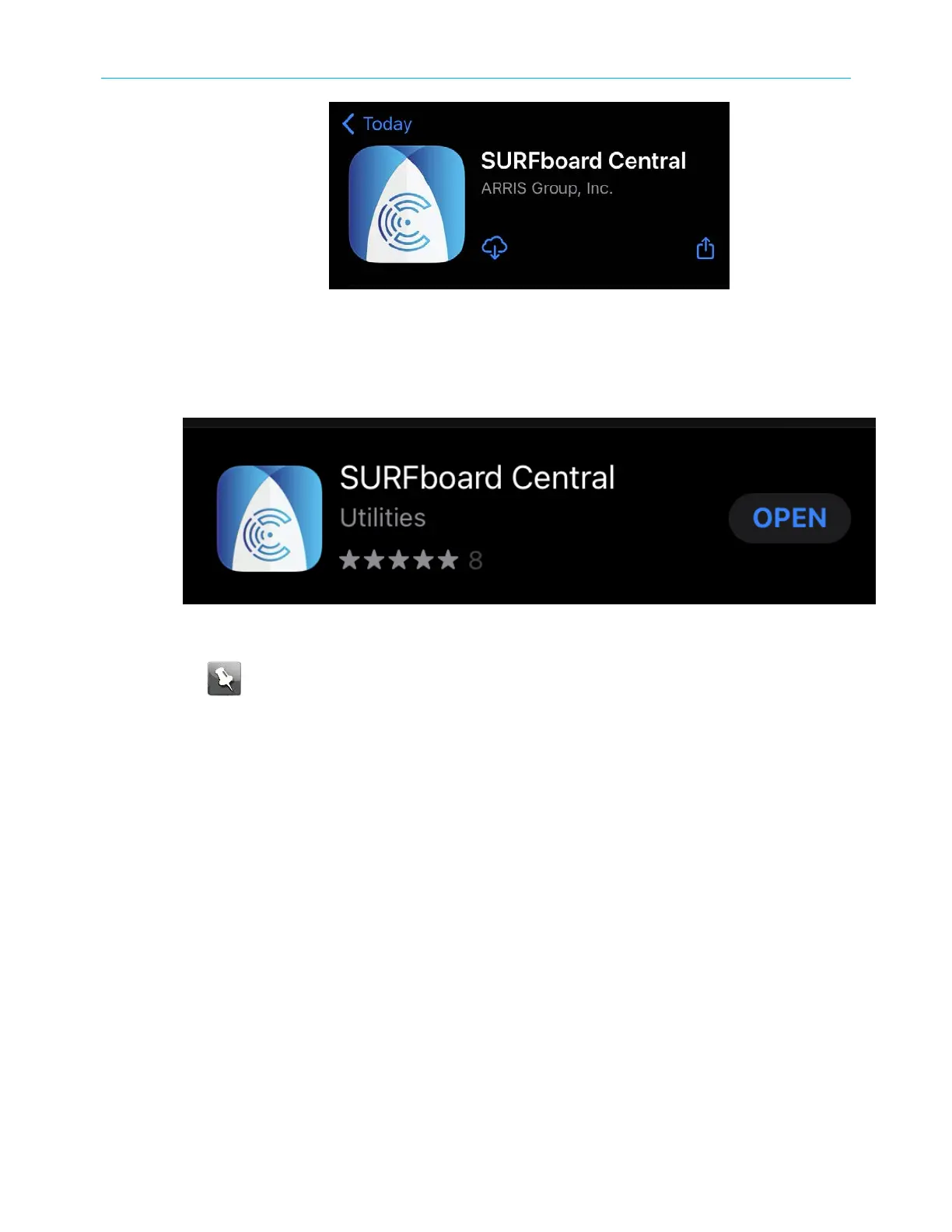
Figure 6: SURFboard Central mobile app download screen
3. Download the SURFboard Central mobile app on your mobile device.
4. Tap OK.
The following SURFboard Central window displays.
Figure 7: SURFboard Central mobile app open screen
Note: After the download is finished, the ARRIS SURFboard Central mobile app
shortcut will be added to your mobile device Home or Apps screen.
5. Tap OPEN to launch the SURFboard Central mobile app.
The SURFboard Central mobile app opening screens display.
SURFboard
®
G34/G36 DOCSIS
®
3.1 Wi-Fi
®
Cable Modem User Guide STANDARD Revision x.3 21













 To Next Page