Chapter 4:Setting up a Wi-Fi network connection
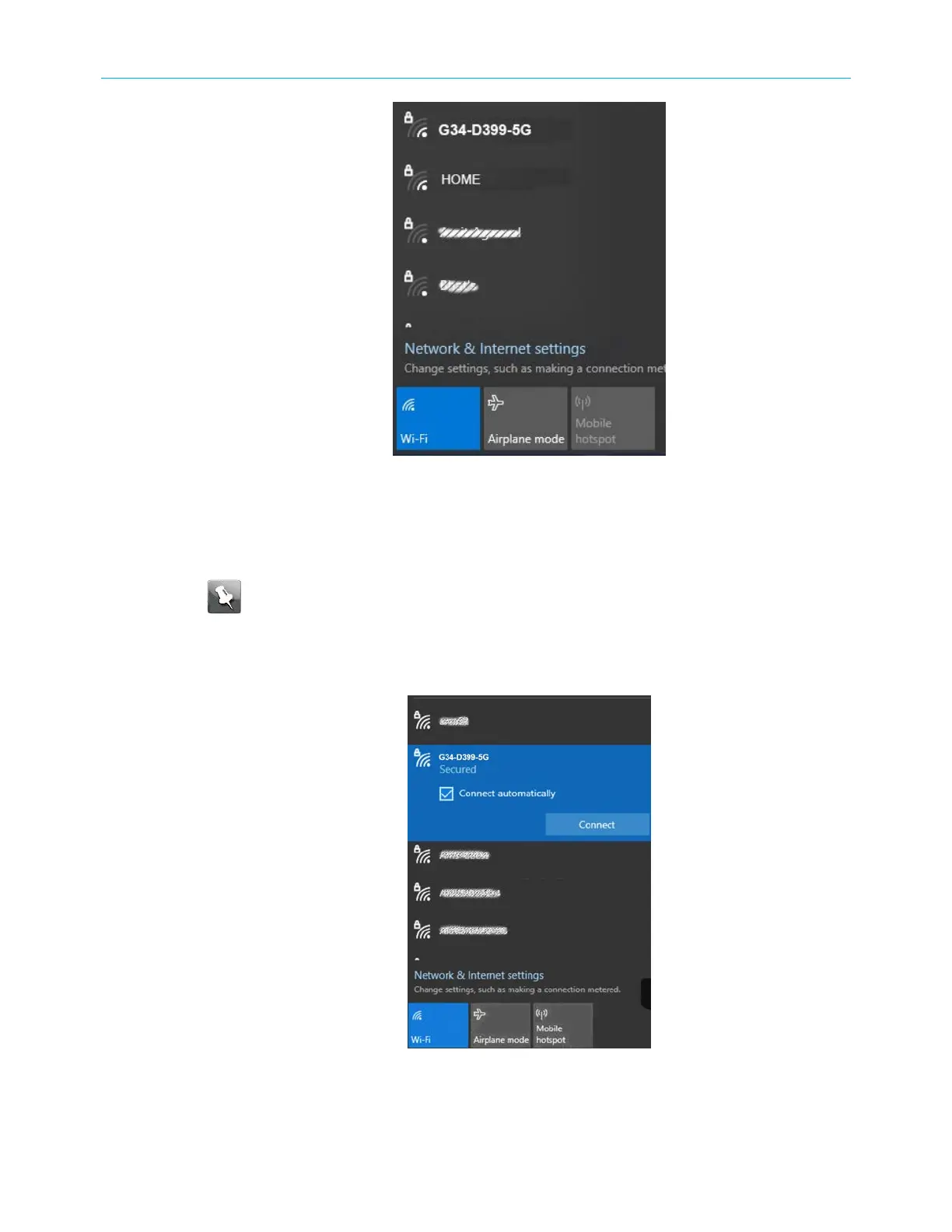
Figure 10: Sample available Wi-Fi networks Microsoft Window
2. Locate and left-click on the G34/G36 Wi-Fi network name or SSID (for example, G34/
G36-####) for your G34/G36 from the list of available Wi-Fi networks.
The default SSID is located on the
Wi‑Fi
cable modem on the bottom of your G34/G36.
Note: You must use the default SSID listed on the
Wi‑Fi
cable modem label
when installing the
Wi‑Fi
cable modem and setting up your first Wi-Fi network
connection. You can change the SSID after your network connections are up and
running. See Change your Wi-Fi network name (SSID) (page42) for more
information.
Figure 11: Sample Wi-Fi network connection screen
SURFboard
®
G34/G36 DOCSIS
®
3.1 Wi-Fi
®
Cable Modem User Guide STANDARD Revision x.3 24













 To Next Page