Chapter 5:Using the Wi-Fi Cable Modem Web Manager
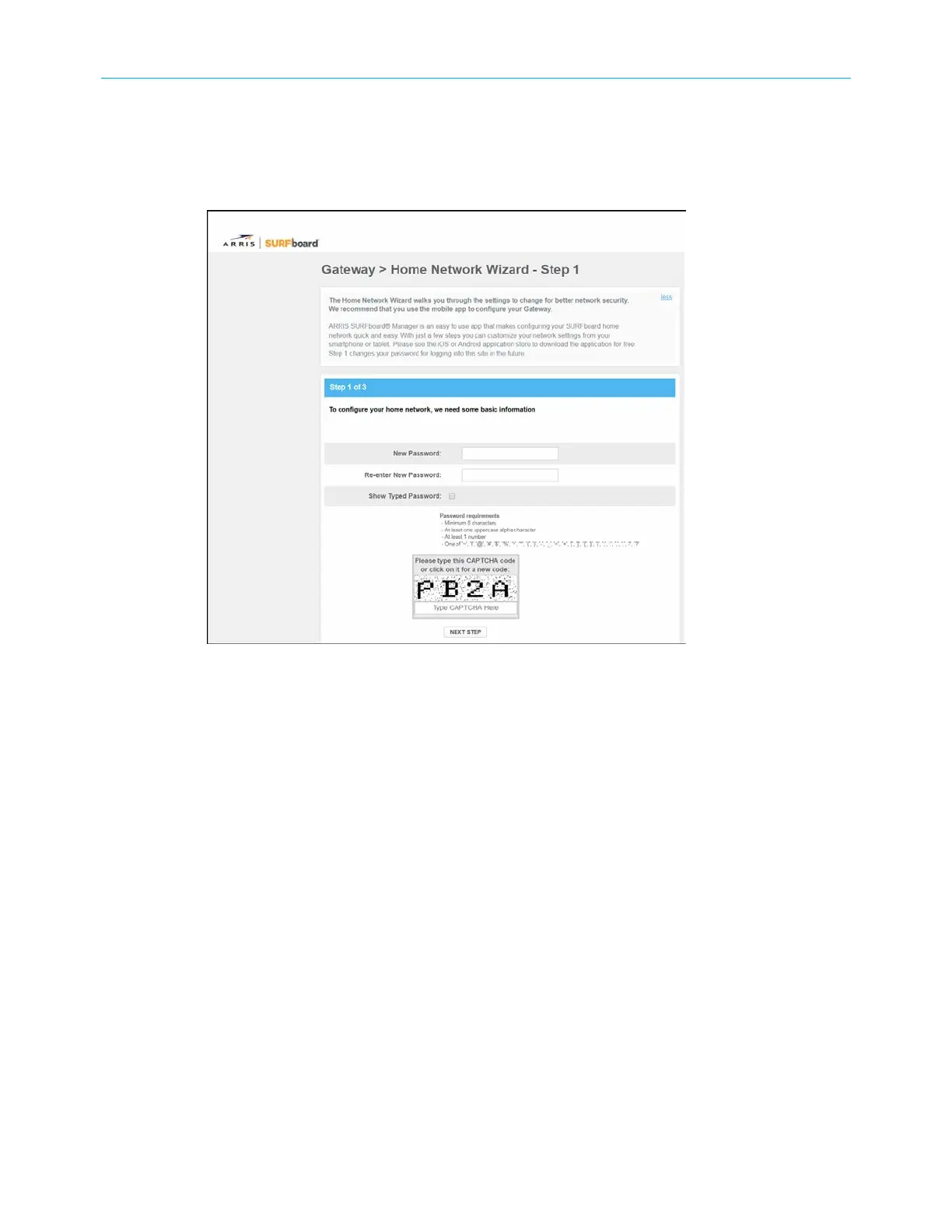
4. Enter your password again in the Re-enter New Password field.
5. Select the Show Typed Password check box to confirm that both passwords match.
Please note that this password is required to log in to the G34/G36 Web Manager. Write
it down and place it in a secure place for future reference and availability, if needed.
Figure 17: G34/G36 Home Network Wizard-Step 1 screen
6. Enter the four-digit CAPTCHA code in the Type CAPTCHA Here entry box.
7. Click NEXT STEP to continue.
The G34/G36 Home Network Wizard – Step 2 screen displays.
SURFboard
®
G34/G36 DOCSIS
®
3.1 Wi-Fi
®
Cable Modem User Guide STANDARD Revision x.3 31













 To Next Page