Chapter 6:Configuring your Wi-Fi network
2. From any G34/G36 Web Manager screen, click the Gateway menu link and then click
the Connection submenu options link.
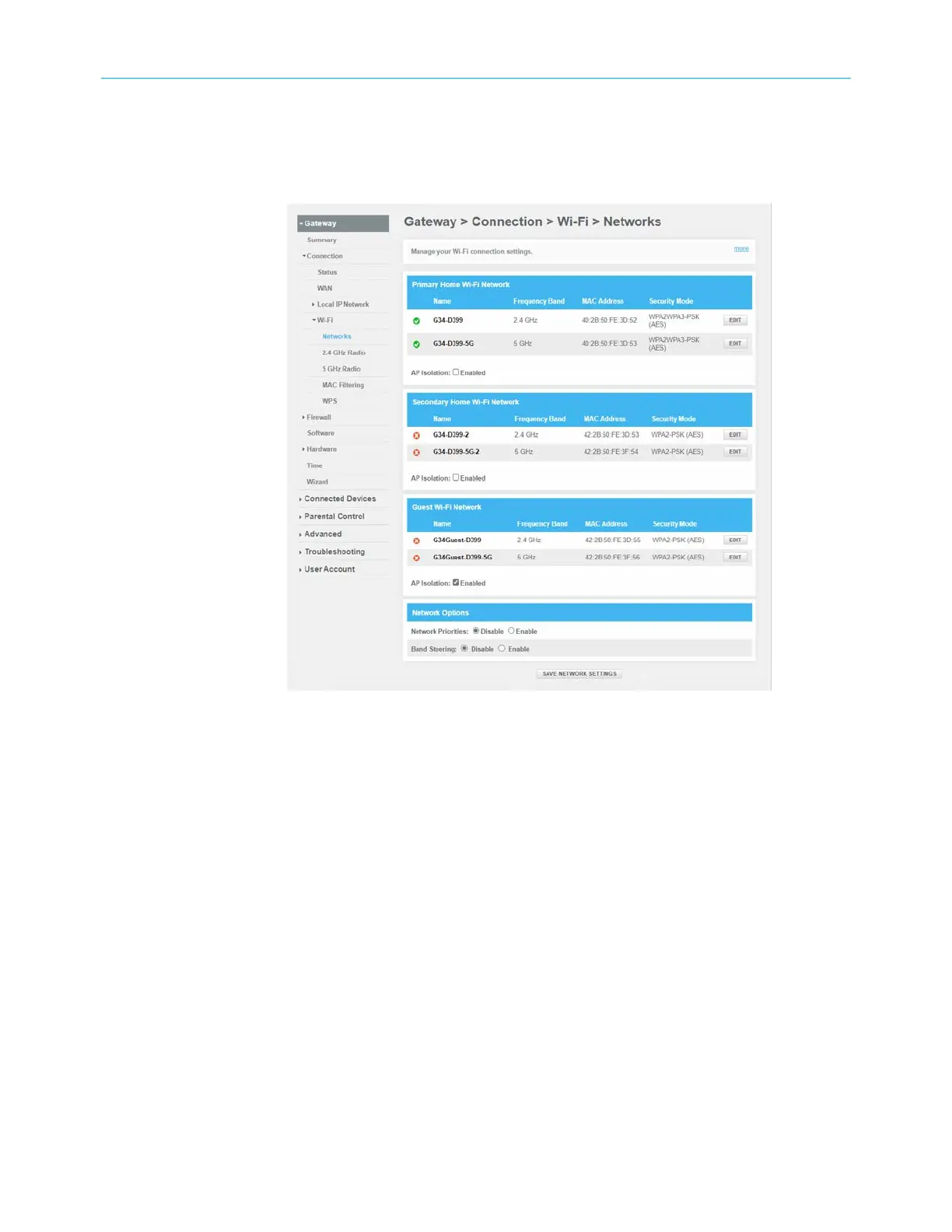
3. Click Wi-Fi under the Connection submenu options to open the Gateway Connection
Wi‑Fi
screen.
Figure 30: G34/G36 change Wi-Fi network name (SSID) screen
4. Click the 2.4 GHz EDIT or 5 GHz EDIT button in the Home Wi-Fi Network section to select
the current Wi-Fi frequency range for your Wi-Fi home network.
SURFboard
®
G34/G36 DOCSIS
®
3.1 Wi-Fi
®
Cable Modem User Guide STANDARD Revision x.3 43













 To Next Page