Era
™
Medium Power Carrier Access Point Installation Guide M0201AJB
Page 54 © October 2018 CommScope, Inc.
Contacting CommScope
Hardware to Software Mapping Information
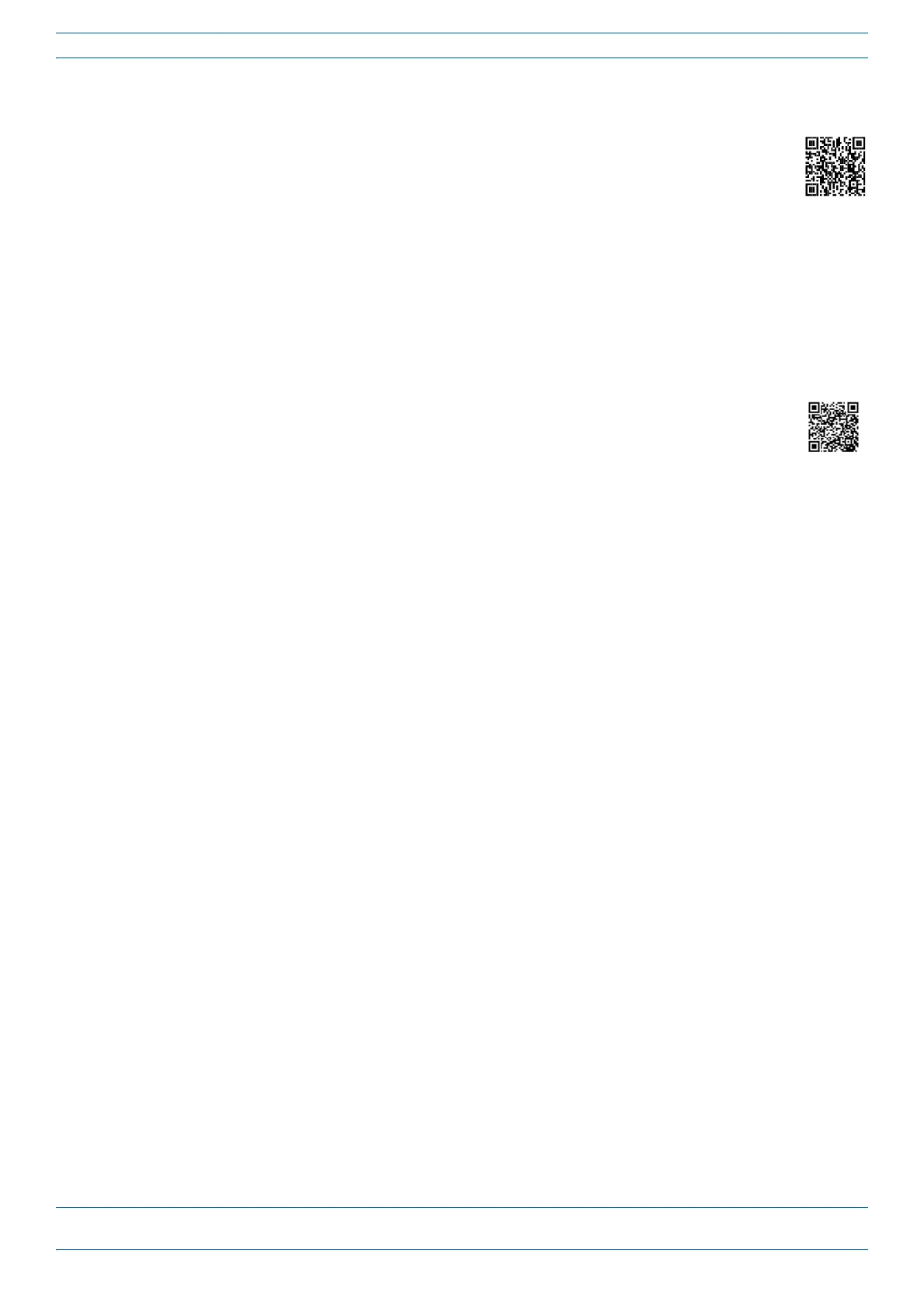
1 ScantheQRCodetotherighttoviewordownloadtheminimumsoftwarerequirementsfor
eachoftheDCCShardwaremodules.Alternatively,youcangotothefollowingwebaddressto
accesstheportal:
http://www.commscope.com/collateral/DCCS_HW_SW_Mapping/
2 Clickonadocumentlinktoopenit,orrightclickonthelinkandselecttheSave target as…optionfromthe
contextualmenu.
DCCS Technical Training
1 ToaccesstrainingontheonlineCommScopeDASandSmallCellInstitute,dooneofthefollowing:
• ScantheQRCodetotheright.
• IfviewingthisdocumentonlineasaPDF,clickonthefollowingURLlink.
http://www.commscopetraining.com/courses/dassc/
• EntertheprecedingURLintoyourwebbrowser,andthenpressENTERonyourkeyboard.
2 Reviewthecourseslistedinseparatecoursepanels;forfurtherinformationonacourse,clickitsFull
detailsbutton.Instructor-ledcoursesareconductedinNorthAmericaandEurope.Beforechoosinga
course,pleaseverifytheregion.
3 Toviewthecoursescheduleandregister,clickCourse Registrationatthetopofthecoursepage;this
opensthePartner Learning Center Loginpage.
• Ifyouhaveanaccount,enteryourUsernameandPassword,andthenclickLogin.(ClickontheReset
Passwordlinkifyoudonothaveyourlogininformation.)
• Ifyoudon'thaveanaccount,clickontheCreate New User AccountlinkundertheLoginbutton,and
followtheprompts.
Onceyouhaveloggedin,youwillseealistofavailableclassdates.
4 ClickthedateyoupreferandselecttheEnrollorRegisterNowbuttontoenroll.Followtheprompts
throughthepaymentprocess.
5 ClickeithertheAvailable TrainingorCalendartabtoviewothertrainingcourses.
Fortrainingrelatedquestions,pleasecontacttheCommScopeDASandSmallCellInstituteatoneofthe
followingemails,asappropriateforyourlocation:
Americas: DASTrainingUS@CommScope.com
EMEA: DASTrainingEMEA@CommScope.com










 To Next Page