17
DEEP LEARNING PLUS USER MANUAL
NETWORK SETUP
Please follow the instructions below to access the product via web browser for live video
monitoring, configuration, etc.
BASIC REQUIREMENTS FOR WEB INTERFACE
Remote client PCs must meet the following minimum specification to open the DL PLUS web interface:
Item Description
Recommended Browser Google Chrome, FireFox, Microsoft Edge, Safari
Operating System Windows, MacOS, Linux
RAM >1GB
ACCESSING DL PLUS FROM WEB BROWSER
Follow the instructions below to access the DL PLUS web interface via web browser:
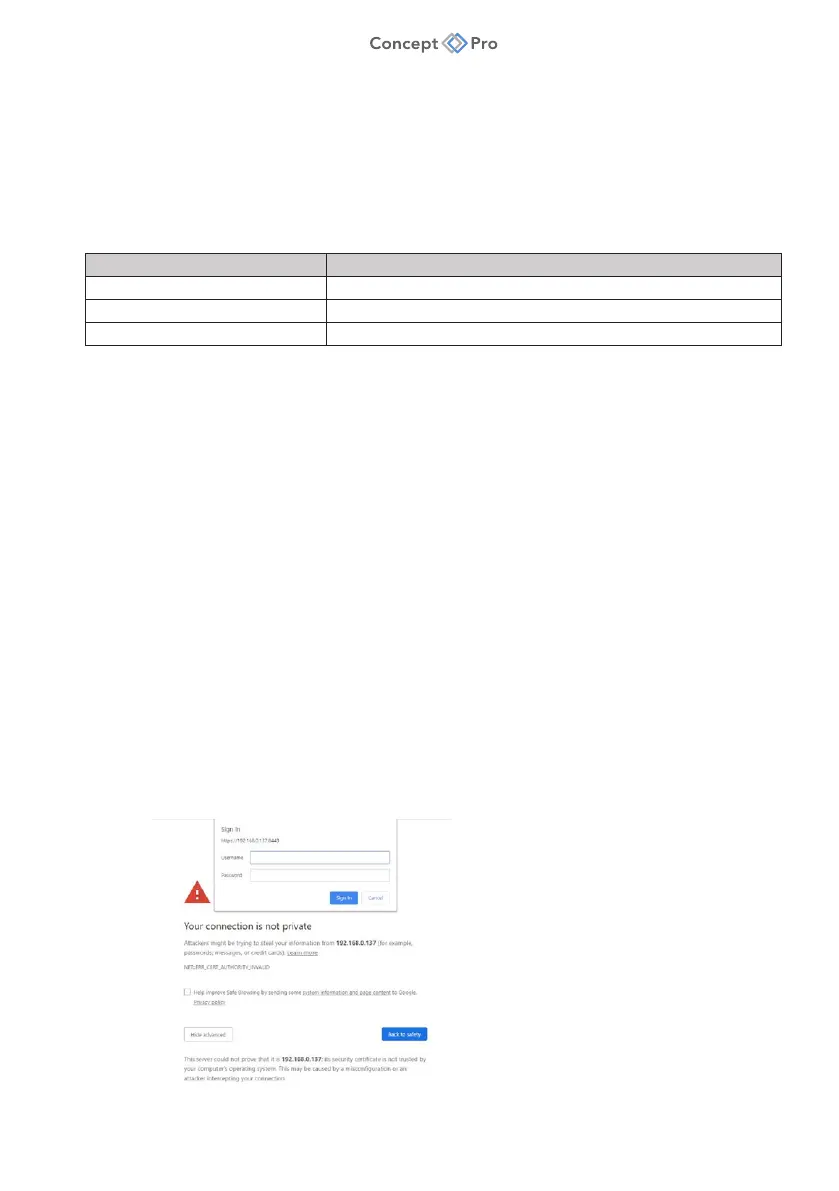
1. The DL PLUS product is set to DHCP by default and should therefore be automatically
assigned a unique IP address when connected to a new network. This can be checked
from the network router’s configuration page. The DL PLUS product can be connected
to using the following default format:
a. IP Address: IP Address>:8443
i. Example: https://192.168.1.115:8443
ii. Note: Make sure to use HTTPS in the URL (Hypertext Transfer Protocol Secure).
b. Log-in:
i. ID: ADMIN
ii. Password: 1234
iii. Note: For security purposes, changing the default user ID and password to
unique, complex values is strongly recommended. This can be done from the
<SYSTEM> menu in the web interface.
c. If prompted by the web browser, check the option to proceed to the entered IP address.



 To Next Page