79
DEEP LEARNING PLUS USER MANUAL
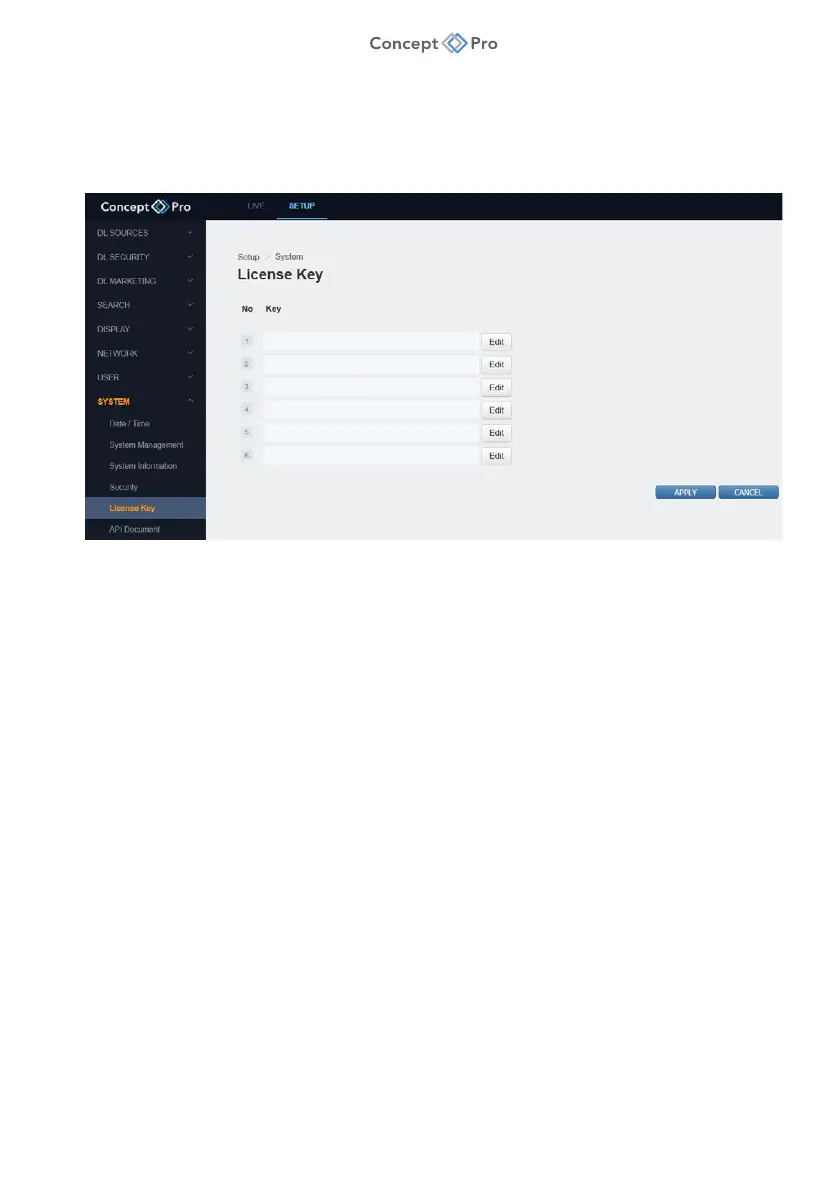
LICENSE KEY
Over time, additional deep learning algorithms may be released that can be purchased
separately and applied to an existing DL PLUS unit. To add or edit license keys, please follow
the steps below:
1. From the <SETUP> tab, select <SYSTEM> - <LICENSE KEY> menu.
2. Configure the License Key settings as below:
a. Edit: Click to add or edit a new option license key.
3. When finished, click <APPLY> to save these settings.
API DOCUMENT
Clicking this menu opens the DL PLUS API documentation in a new tab. This API document
may be used by third party developers to integrate the DL PLUS product into their software or
other products.



 To Next Page