DEEP LEARNING PLUS USER MANUAL
78
SECURITY
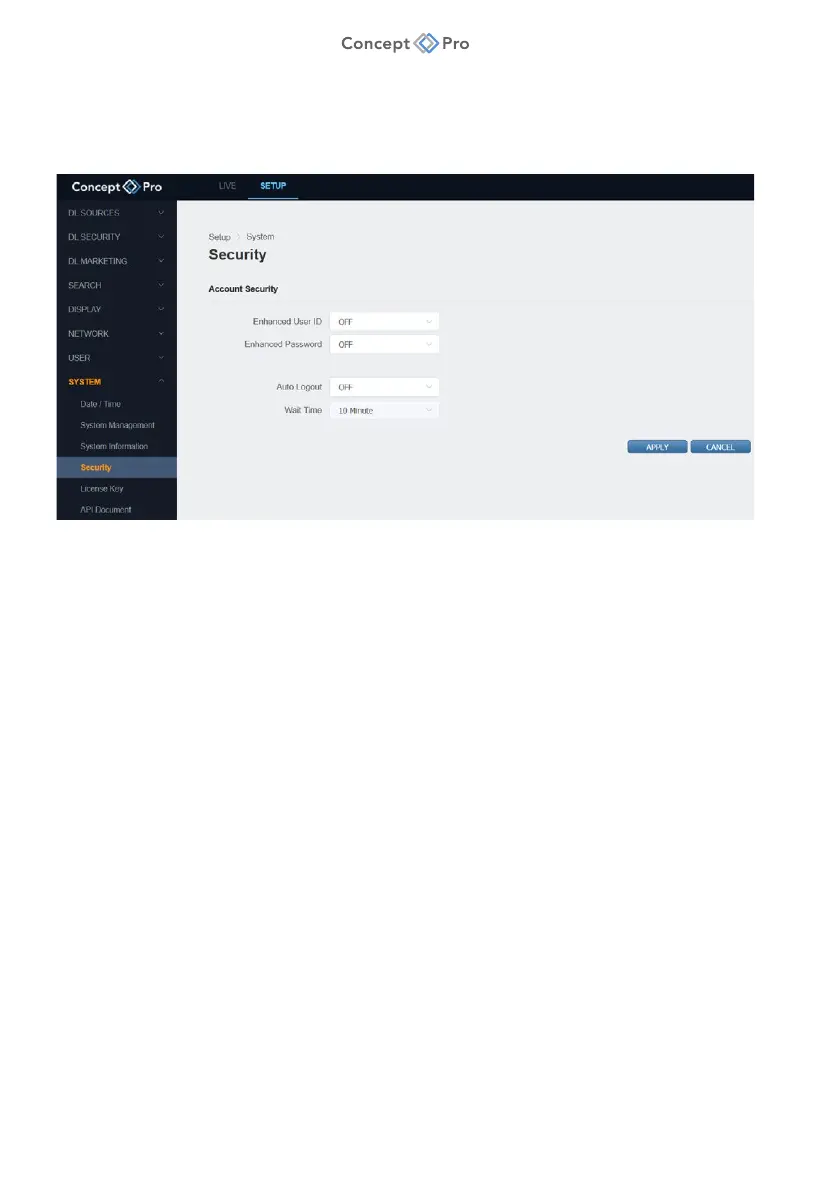
Configure user account security options to increase product security. To configure security
options, please follow the steps below:
1. From the <SETUP> tab, select <SYSTEM> - <SECURITY> menu.
2. Configure the Security settings as below:
a. Enhanced User ID: Select whether to apply advanced security criteria to usernames.
b. Enhanced Password: Select whether to apply advanced security criteria to
passwords.
i. Usernames must be at least 5 characters long.
ii. Passwords cannot contain the username.
iii. Passwords must be at least 8 characters long and contain at least one each of
uppercase and lowercase letters, numbers, and symbols.
c. Auto Logout: Select whether to automatically logout after a set idle time period.
d. Wait Time: Select the desired idle time period to elapse before automatically logging
out.
3. When finished, click <APPLY> to save these settings.



 To Next Page