71
DEEP LEARNING PLUS USER MANUAL
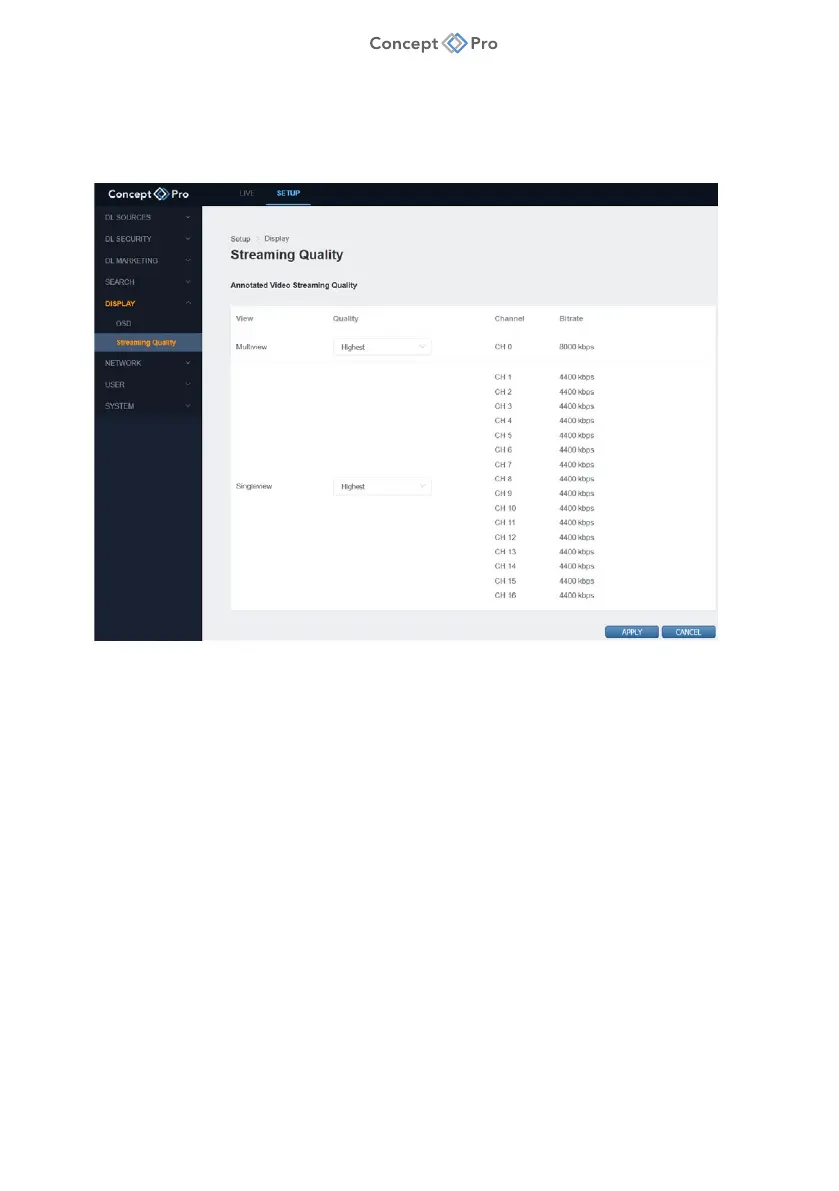
STREAMING QUALITY
The streaming quality for the Channel 0 video encoding and individual channels can be
configured for remote RTSP video streaming performance. To configure streaming quality
settings, please follow the steps below:
4. From the <SETUP> tab, select <DISPLAY> - <STREAMING QUALITY> menu.
5. Configure the Streaming Quality settings as below:
a. Multiview: Select the desired video quality setting for CH0 multi-view stream.
b. Single View: Select the desired video quality settings for CH1-16 single channel
streams.
6. When finished, click <APPLY> to save these settings.



 To Next Page