69
DEEP LEARNING PLUS USER MANUAL
SYSTEM LOG
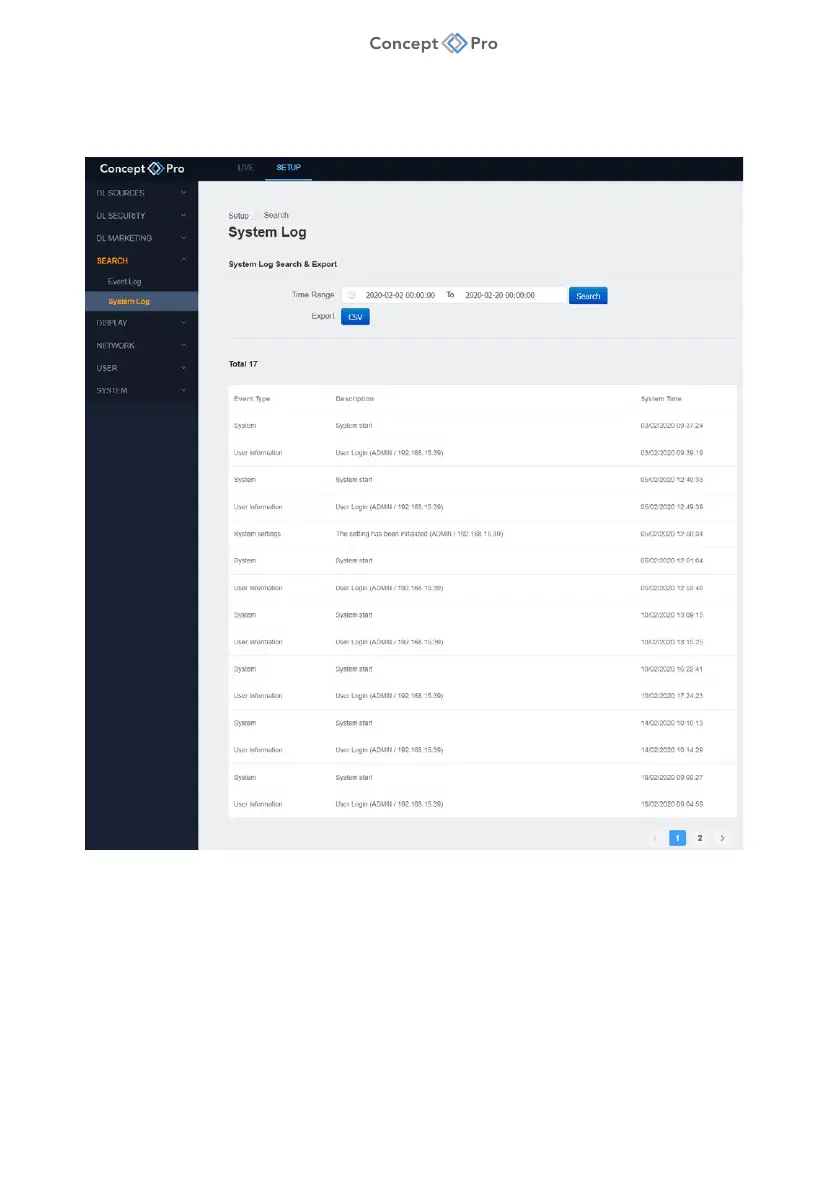
System events, such as booting and log-in events, can also be searched and exported in .csv
format for future review. To search the system log, please follow the steps below:
3. From the <SETUP> tab, select <SEARCH> - <SYSTEM LOG> menu.
4. Enter the search parameters as follows:
a. Time Range: Input a start and end date/time to search.
b. Search: Click to search and display results in the window below.
c. Export: Click to export the search results in .csv file format.



 To Next Page