DEEP LEARNING PLUS USER MANUAL
42
RECURRENCE
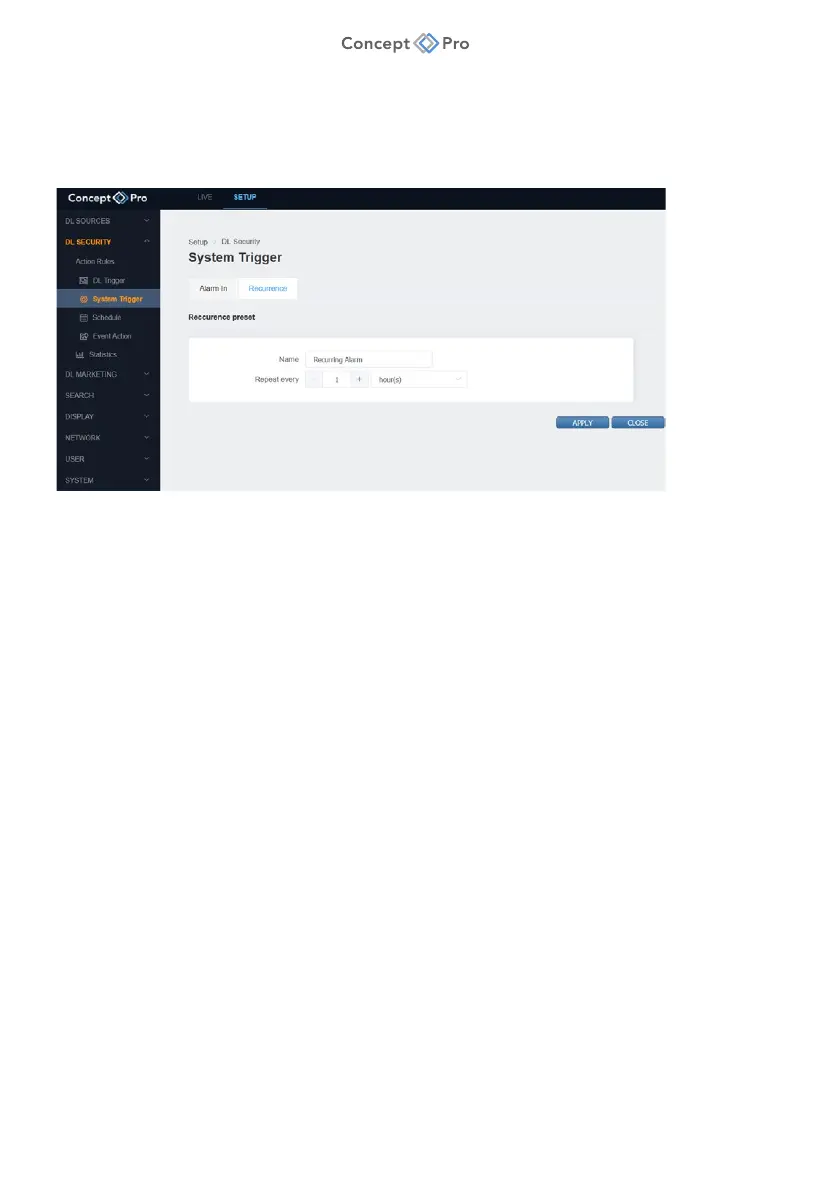
Recurrence System Trigger is a function that is automatically triggered after a specified time
interval. For example, it can be configured to repeat every two hours.
To configure a Recurrence System Trigger, please follow the steps below:
1. From the <SETUP> tab, navigate to <DL SECURITY> - <SYSTEM TRIGGER> menu.
2. Select the <RECURRENCE> tab.
3. Click the <ADD> button to create a new Recurrence System Trigger.
4. Configure the Recurrence System Trigger parameters as desired:
a. Name: Enter a custom Recurrence System Trigger preset name.
b. Repeat Every: Set a custom recurring schedule (Every X sec/min/hours/days).
5. When all parameters are configured, click <APPLY> to save the settings.



 To Next Page