BEC62(08) technical manual
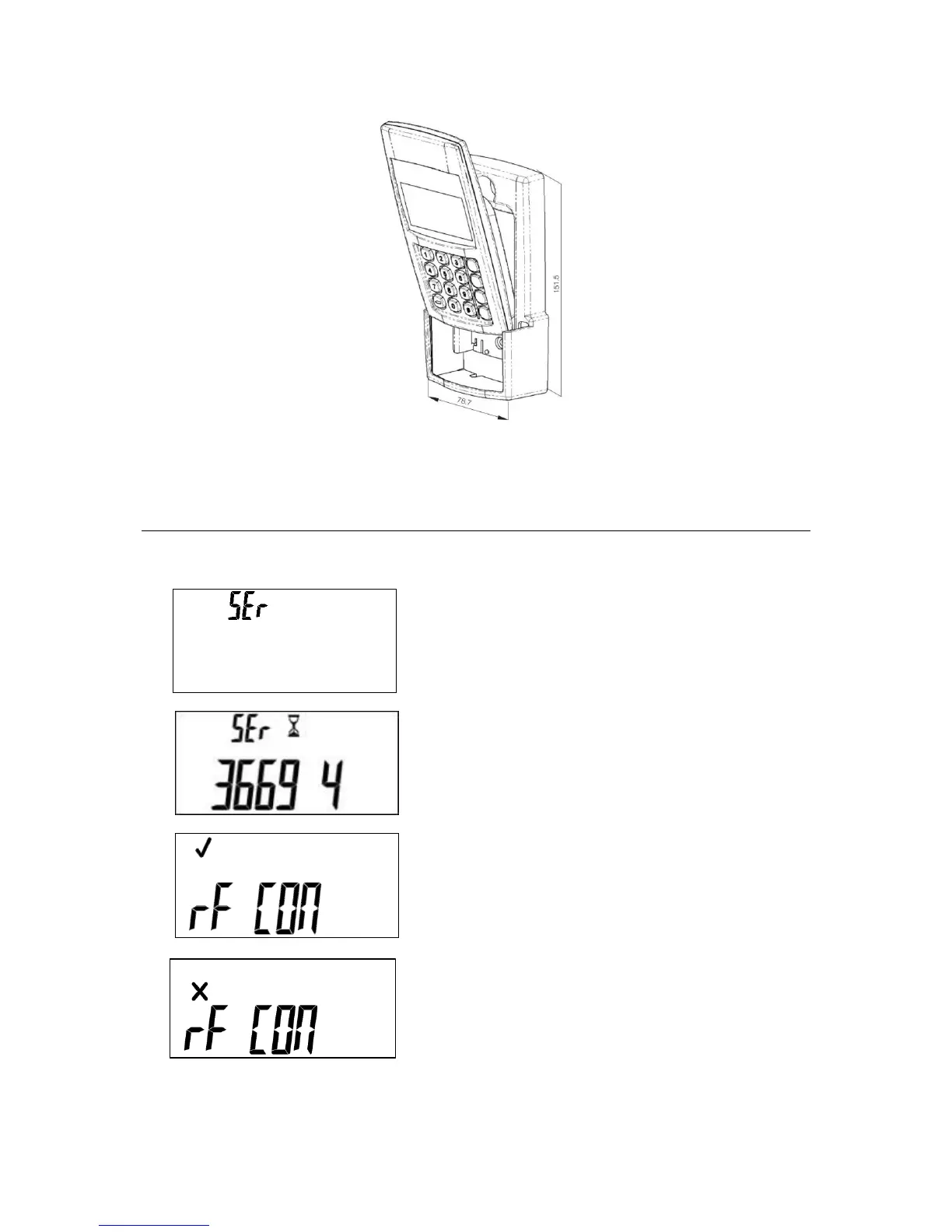
Figure 4-3: Slide wUIU into bracket
Pairing the wUIU to a meter
Pairing the wUIU with a meter
A new wUIU (previously unpaired) will show the following
display, once powered.
Enter the 11 digit meter serial number. The numbers will
scroll across the display as the digits are entered. When the
serial number has been entered, the wUIU starts
communication.
If the pairing with the meter is successful, the following will
be displayed, the meter will then return to its default screen.
This display indicates the pairing was not successful; this
may be due to a range problem or a loss of power.
Following a successful pairing, the display will show the
default meter information.



 To Next Page