Current overload
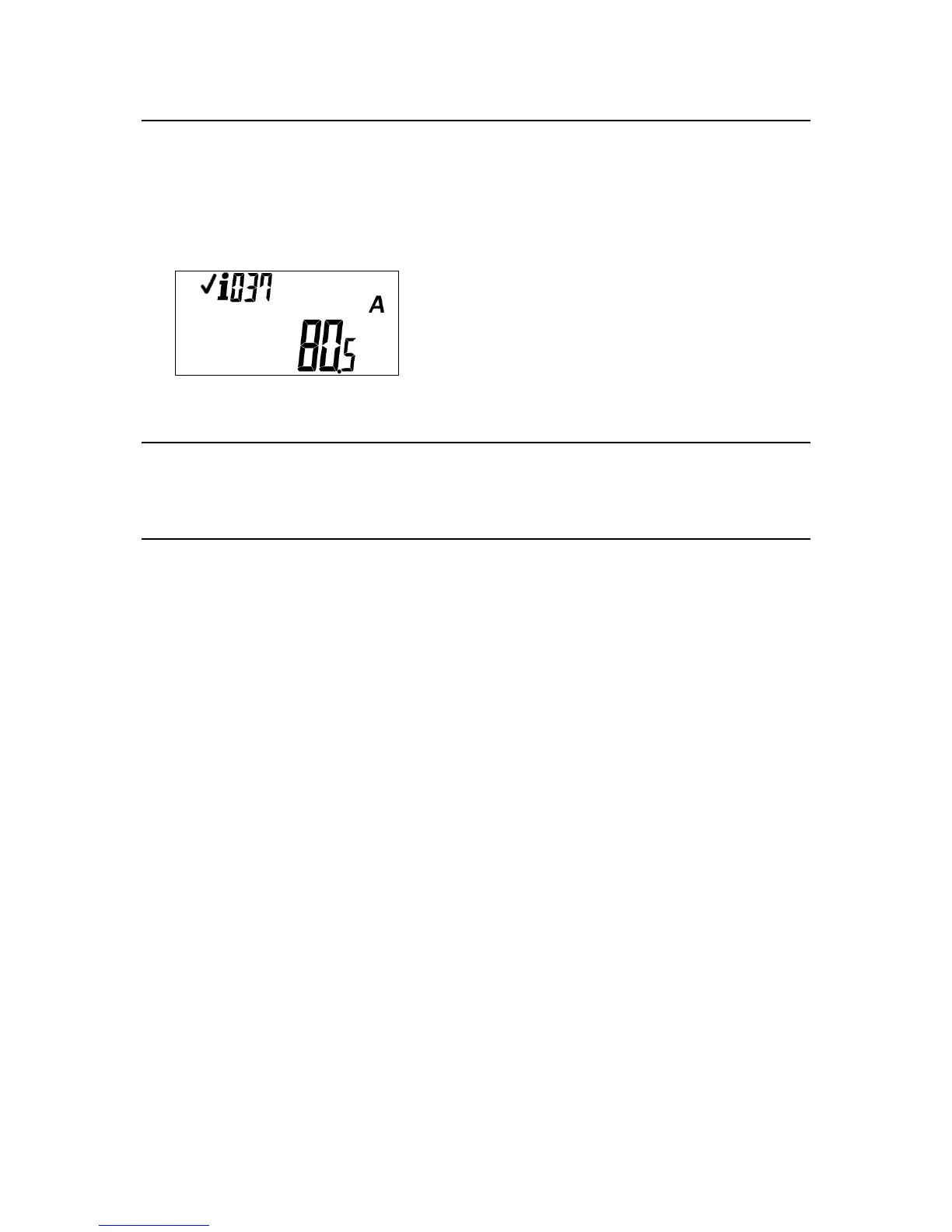
Short code: #037#
If the current measured by the meter is higher than the maximum current limit setting then the meter
will disconnect the consumers supply.
The maximum current limit setting is derived from the power load limit and the nominal voltage of the
meter, configured in production.
Extreme current overload
In extreme short term current overload conditions the consumer supply will not be disconnected. This
is to protect the disconnect device from damage.
Tamper
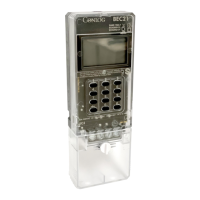
The BEC62(08) meter has optional tamper protection, that is configured in production.
If the tamper feature is enabled, any attempt to tamper with the meter can result in the consumer’s
supply being disconnected, if so configured. The supply is only reconnected when a STS clear tamper
token is entered into the meter. The STS clear tamper token is meter specific.
When enabled, tamper is only active once the meter is commissioned. For information on
commissioning the meter, see the Commissioning the meter section.
The meter supports two primary modes for tamper detection:
Standard tamper: activates a tamper condition when the meter is powered.
No power tamper: the meter will detect a tamper condition, even in the absence of an AC
supply. The meter is shipped in a decommissioned state to facilitate installation. In this mode,
the tamper feature is disabled to allow the installer to fit and remove the terminal cover,
without the unit going into tamper.
Once installation is complete, the installer commissions the meter. The no-power tamper feature is
active and any subsequent removal of the terminal cover, with or without the AC supply, will result in
the meter registering a tamper condition.
Other configuration options:
Do not display tamper status: if selected, the meter does not display the tamper icons when an
active tamper condition is detected.
Do not trip on tamper: if selected, the meter will record the tamper event but will not
disconnect the supply.


 To Next Page