Table of contents
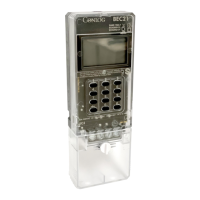
BEC62(08) product overview ............................................................................................. 4
The measurement control unit (MCU) ................................................................................. 5
What the LEDs mean ........................................................................................................ 5
Virtual token carrier (VTC) .................................................................................................. 6
Direct probe port (type A) ................................................................................................. 6
Flags probe port ............................................................................................................... 6
The user interface unit (UIU)............................................................................................... 7
LCD interface ..................................................................................................................... 8
Product specifications ..................................................................................................... 10
Installing the meter ........................................................................................................... 12
Installing the metering device (MCU) ................................................................................ 12
Wiring instructions .......................................................................................................... 13
Installing the user interface unit (UIU) ............................................................................... 14
Installing a wireless solution ............................................................................................. 16
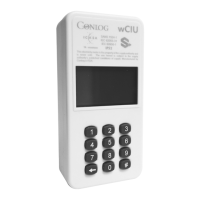
Installing the wUIU .......................................................................................................... 16
Pairing the wUIU to a meter ............................................................................................ 18
Checking the wUIU signal ............................................................................................... 19
Installing and pairing the wUIU to a wireless extender (WEX) ......................................... 20
Testing the meter installation and sealing the device ........................................................ 22
Commissioning the meter ................................................................................................. 23
Checking if the meter is commissioned ........................................................................... 23
Features of the meter ....................................................................................................... 24
Security ............................................................................................................................ 24
Reliability .......................................................................................................................... 24
Protection ......................................................................................................................... 24
Under and over voltage measurement ............................................................................ 24
Current measurement ..................................................................................................... 25
Temperature measurement ............................................................................................ 25
Nominal voltage measurement ....................................................................................... 25
Power overload ............................................................................................................... 25
Phase unbalance power overload ................................................................................... 25
Thermal overload ............................................................................................................ 25
Over voltage and under voltage ...................................................................................... 26
Current overload ............................................................................................................. 27
Extreme current overload ............................................................................................... 27
Tamper ............................................................................................................................. 27
Tamper status................................................................................................................. 28
Number of tamper events ............................................................................................... 28
General icon indications ................................................................................................... 29
Low credit indication ......................................................................................................... 29
Zero credit indication ........................................................................................................ 29
Negative credit indication .................................................................................................. 29
Token acceptance indication ............................................................................................ 30



 To Next Page