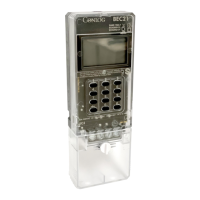
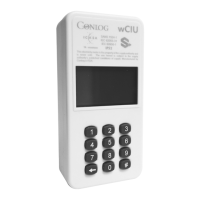
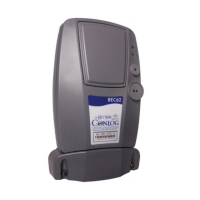
BEC62 (08) technical manual
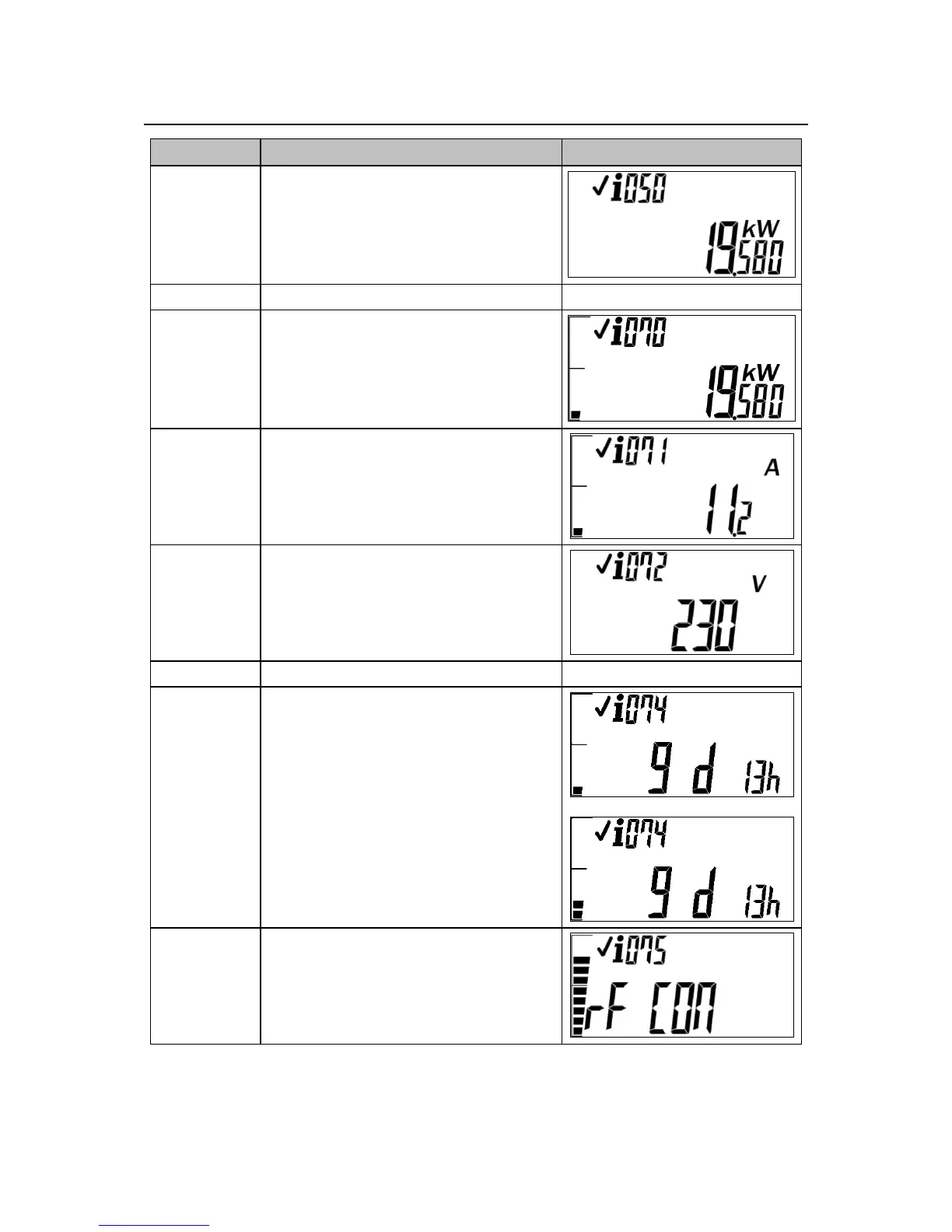
View the instantaneous power (STS09)
View the average power consumption
For three phase meters, pressing the hash
key will display the average power
consumption per phase
View the meter's current consumption.
For three phase meters, pressing the hash
key will display the current consumption per
phase
View the meter's average voltage per phase
For three phase meters, pressing the hash
key will display the average voltage per
phase
View the reason for the last disconnect
See troubleshooting section
View the time remaining until 0 kWh credit
Can be displayed in hours and days
The first menu indicates the time remaining
till zero credit based on the current
(instantaneous) consumption.
The second menu indicates the time
remaining till zero credit based on the
average consumption over a 24 hour period
View the RF signal strength
(applicable to wireless meters only)


 To Next Page