4. BIOS Setup
User’s Manual
29
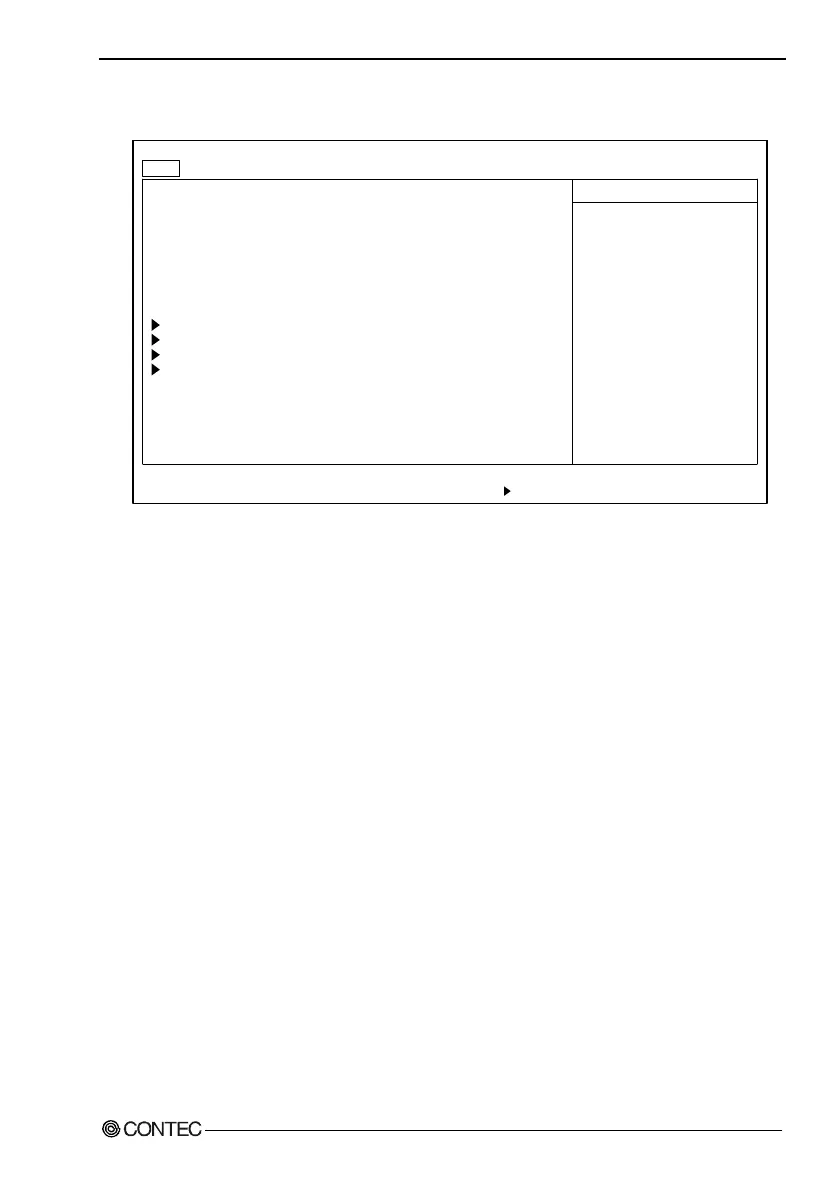
Main Menu
System Time: [09:21:27]
System Date: [01/01/1993]
Legacy Diskette A: [1.44/1.25 MB 3
1
/
2
"]
Legacy Diskette B: [Disabled]
Floppy Drive Swap: [Disabled]
3 MODE floppy: [Disabled]
Primary Master [4312MB]
Primary Slave [None]
Secondary Master [None]
Secondary Slave [None]
System Memory: 640 KB
Extended Memory: 64512 KB
F1 Help
↓
Select Item -/+ Change Values F9 Setup Defaults
Esc Exit
←→
Select Menu Enter Select Sub-Menu F10 Save and Exit
PhoenixBIOS Setup Utility
Main Embedded Advanced Security Power Boot Exit
Item Specific Help
↓
Figure 4.2. Main Window (Factory Settings)
System Time : Sets the time on the equipment calendar
clock.
System date : Sets the date on the equipment calendar
clock.
Diskette A : Specify the type of FDD to be used as
drive A. If you are not using the FDD,
set to "Disabled." Do not set to
"2.88MB" since it is not supported.
Diskette B : Connection not allowed. Set to
"Disabled."
Floppy Drive Swap : Set to "Disabled."
3 Mode floppy : Set to "Disabled."



 To Next Page