4. BIOS Setup
User’s Manual
43
Boot Window
*Removable Devices
*Hard Drive
Bootable Add-in Cards
WDC AC14300R-(PM)
ATAPI CD-ROM Drive
Network Boot
F1 Help
↓
Select Item -/+ Change Values F9 Setup Defaults
Esc Exit
←→
Select Menu Enter Select Sub-Menu F10 Save and Exit
PhoenixBIOS Setup Utility
Main Embedded Advanced Security Power Boot Exit
Item Specific Help
Keys used to view or
configure devices
<Enter> expands or
collapses devices with
a
-
or
<Ctrl
-
Enter> expand
all
<Shift
-
1> enables or
disables a device
<
-
> and < > moves the
device up or down.
<n> May move removable
device between Hard
Disk or Removable Disk
<d> Remove a device
That os not installed.
↓
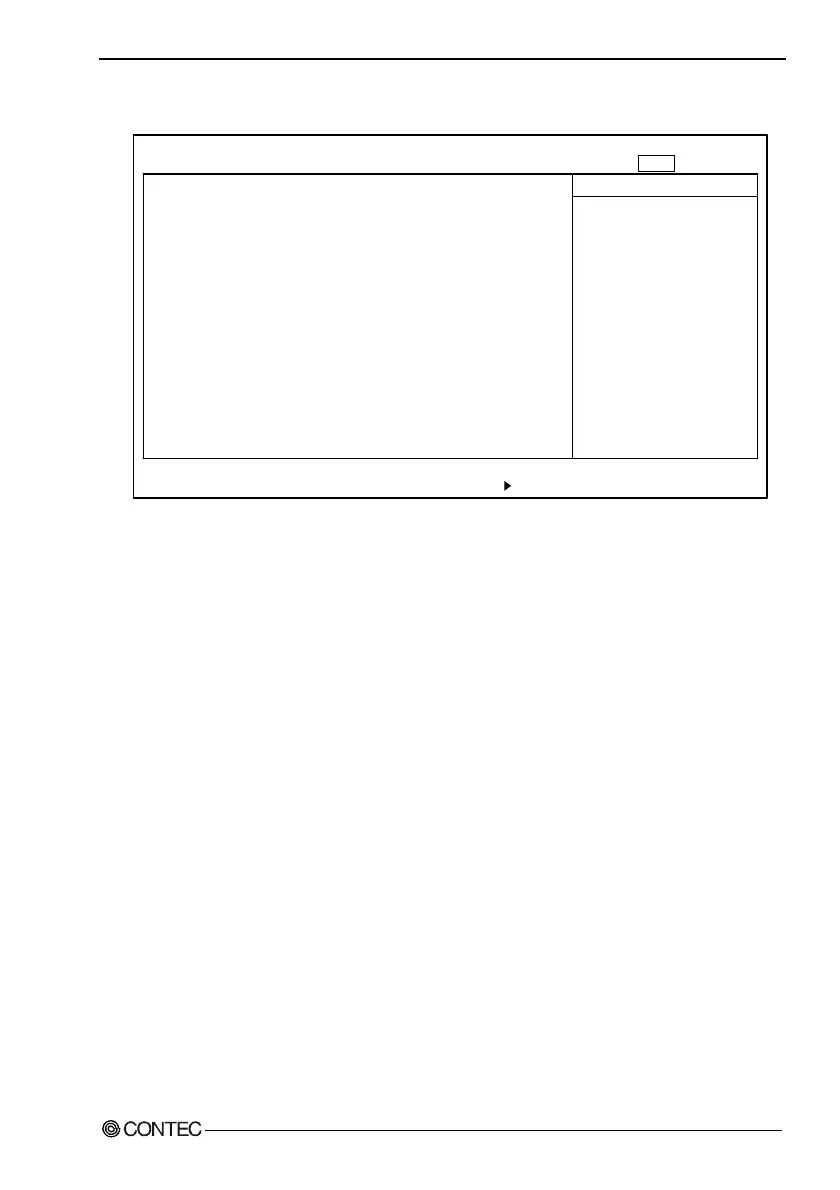
Figure 4.11. Boot Window (Factory Settings)
Specify the order in which the system to be booted is checked.
Using the <+> or <-> key, rearrange the selected items.
The following devices can be specified as boot devices:
Removable Devices : Removable devices such as the floppy
disk and ATA card.
Hard Drive : Devices that are not removable, such as
the hard disk drive and silicon disk
drive.
ATAPI CD-ROM Drive : Optional CD-ROM drive (IDE
connection)
Network Boot : This item is not available.
The items are displayed on the menu in priority order.



 To Next Page