4. BIOS Setup
30 User’s Manual
Primary Master : Set the type of HDD to be used as the
first drive.
If you are not using the HDD, set to
"None."
Select "Auto" setup to make setting
easier.
Primary Slave : Connection not allowed. Set to
"None."
Secondary Master : Normally, connection is not allowed.
Set only when you set the PCMCIA
connector's ATA disk to secondary or
when you connect an external CD-
ROM.
Secondary Slave : Connection not allowed. Set to
"None."
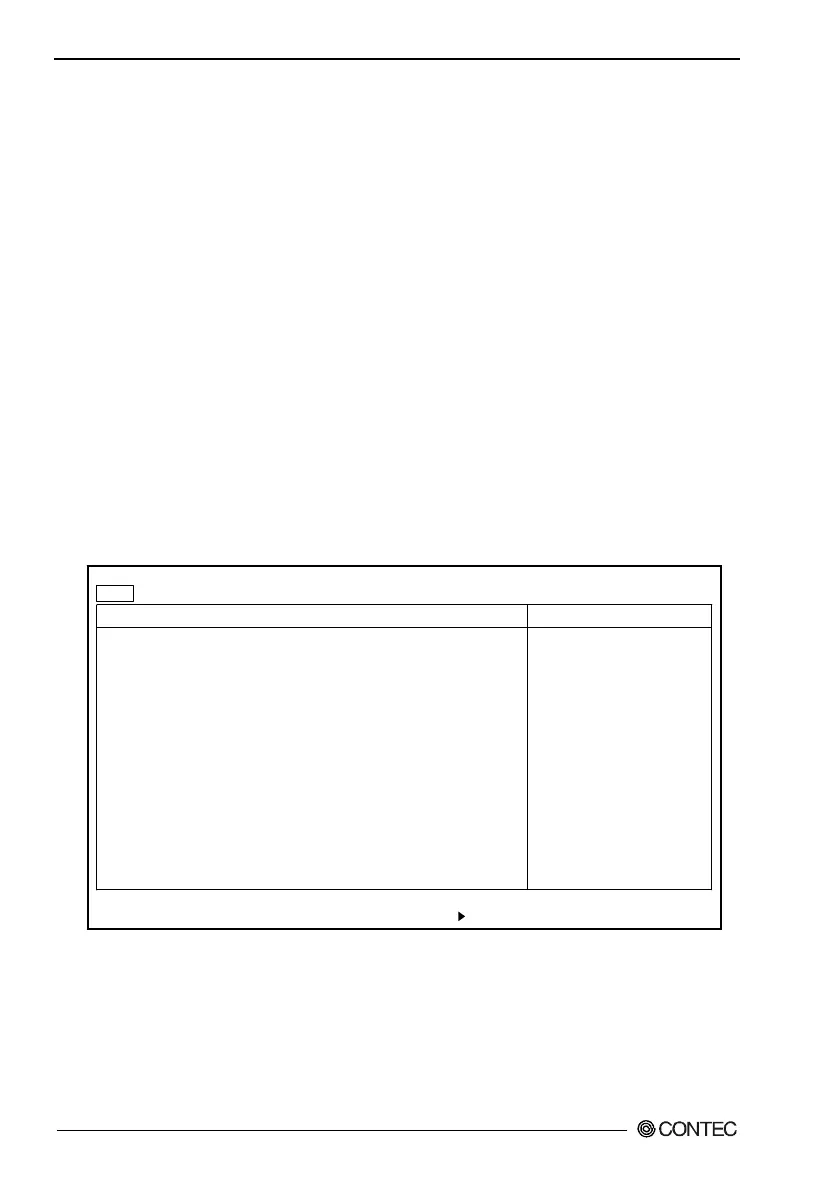
IDE Adapter Window
Primary Master [4312MB]
Type: [Auto]
Cylinders: [ 8912]
Heads: [ 15]
Sectors: [63]
Maximum Capacity: 4312MB
Multi-Sector Transfers: [16 Sectors]
LBA Mode Control: [Enabled]
32 Bit I/O: [Disabled]
Transfer Mode: [Fast PIO 4]
Ultra DMA Mode: [Mode 2]
F1 Help
↓
Select Item -/+ Change Values F9 Setup Defaults
Esc Exit
←→
Select Menu Enter Select Sub-Menu F10 Save and Exit
PhoenixBIOS Setup Utility
Main
Item Specific Help
User = you enter
parameters of hard-disk
drive installed at this
connection.
Auto = autotypes
hard-disk drive
installed here.
1-39 = you select
pre-determined type of
hard-disk drive
installed here.
CD-ROM = a CD-ROM drive
is installed here.
ATAPI Removable =
removable disk drive is
installed here.
↓
Figure 4.3. IDE Adapter Window (Factory Settings)
Type : Set to "Auto" to use the primary master.
Otherwise set to "None."



 To Next Page