5. Each Component Function
User’s Manual
79
Installing the LAN driver for Windows NT 4.0
Prepare a formatted FD and copy all the files in the
[\x600PCW\Drivers\LAN\NT40] directory in IPC-SLIB-01 to the
FD. Run Setup from the FD.
(You cannot run Setup directly from the CD-ROM.)
The standard LAN driver provided with Windows NT 4.0 cannot be
used.
Liquid Crystal Display (LCD) Interface
The BOX-PC is equipped with an LCD connector to allow an LCD
manufactured by CONTEC to be connected. The table below lists
the LCDs that can be connected. Set S1-5 through S1-8 according
to the display in use. Note that in order to connect an LCD, you
need a connecting cable.
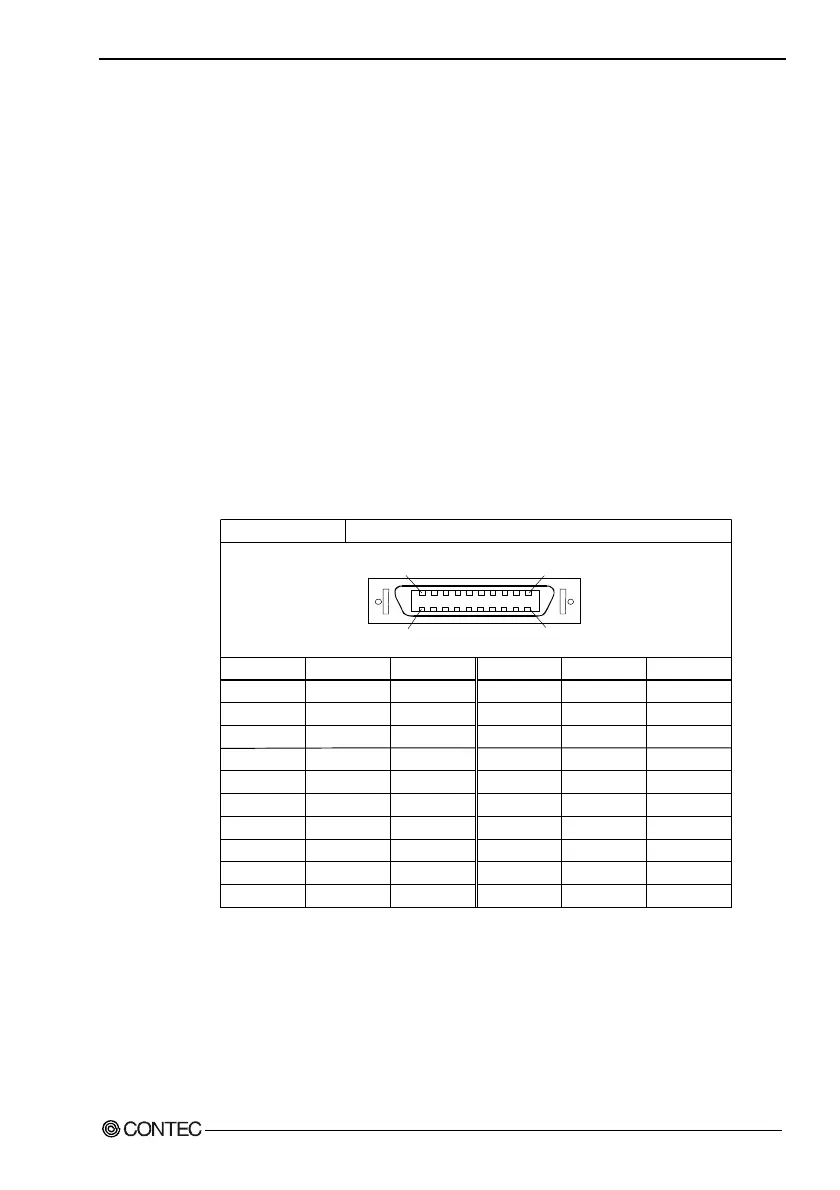
Table 5.27. Liquid Crystal Display (LCD) Interface
Pin No.
B1
B2
B3
B4
B5
B6
B7
B8
B9
B10
B1B10
A10 A1
* Connect nothing for the pin of RESERVED.
Connector in use
Pin No.
A1
A2
A3
A4
A5
A6
A7
A8
A9
A10
Signal
TX1+
TX1
-
TX1 Shield
TXC Shield
TXC+
TXC
-
RESERVED*
RESERVED*
TXD
RXD
Direction
Output
Output
-------
-------
Output
Output
-------
-------
Output
Input
Signal
TX2+
TX2
-
TX2 Shield
TX0 Shield
TX0+
TX0
-
N.C.
N.C.
RESERVED*
RESERVED*
Direction
Output
Output
-------
-------
Output
Output
-------
-------
-------
-------
20-socket, half-pitch connector, Equivalent to the10220-55G3JL(3M)



 To Next Page