4. BIOS Setup
User’s Manual
37
PCI/PNP ISA DMA Resource Exclusion
: When using a DMA board for ISA, set
the DMA channel that board will be
using to Reserved.
* Do not set all of these resources to “Reserved”, or BIOS Setup
will be unable to be invoked. If they are all set so, the CMOS
RAM must be cleared (by setting the JP2).
Note!
As IRQ11 is reserved for PCI devices, this setting should always be
fixed to “Available”.
Do not use this interrupt(IRQ11) for ISA devices or internal
peripherals (such as the COM ports).
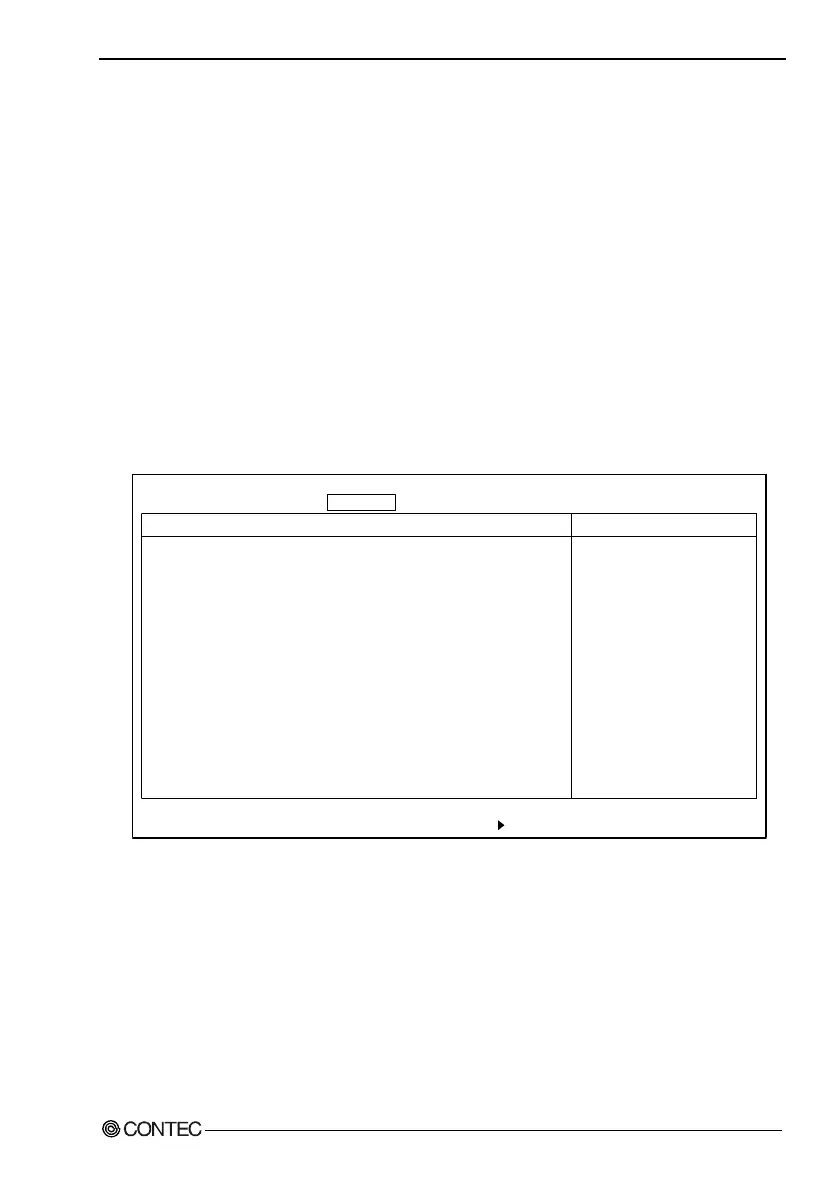
Cache Memory Window
Cache Memory
Memory Cache: [Enabled]
Cache System BIOS area: [Write Protect]
Cache Video BIOS area: [Write Protect]
Cache Base 0-512k: [Write Back]
Cache Base 512k-640k: [Write Back]
Cache Extended Memory Area: [Write Back]
Cache A000 - AFFF: [Disabled]
Cache B000 - BFFF: [Disabled]
Cache C800 - CBFF: [Disabled]
Cache CC00 - CFFF: [Disabled]
Cache D000 - D3FF: [Disabled]
Cache D400 - D7FF: [Disabled]
Cache D800 - DBFF: [Disabled]
Cache DC00 - DFFF: [Disabled]
Cache E000 - E3FF: [Disabled]
F1 Help
↓
Select Item -/+ Change Values F9 Setup Defaults
Esc Exit
←→
Select Menu Enter Select Sub-Menu F10 Save and Exit
PhoenixBIOS Setup Utility
Main Embedded Advanced Security Power Boot Exit
Item Specific Help
Sets the state of the
memory cache.
↓
Figure 4.7. Cache Memory Window (Factory Settings)
Keep the factory settings.



 To Next Page