4. BIOS Setup
44 User’s Manual
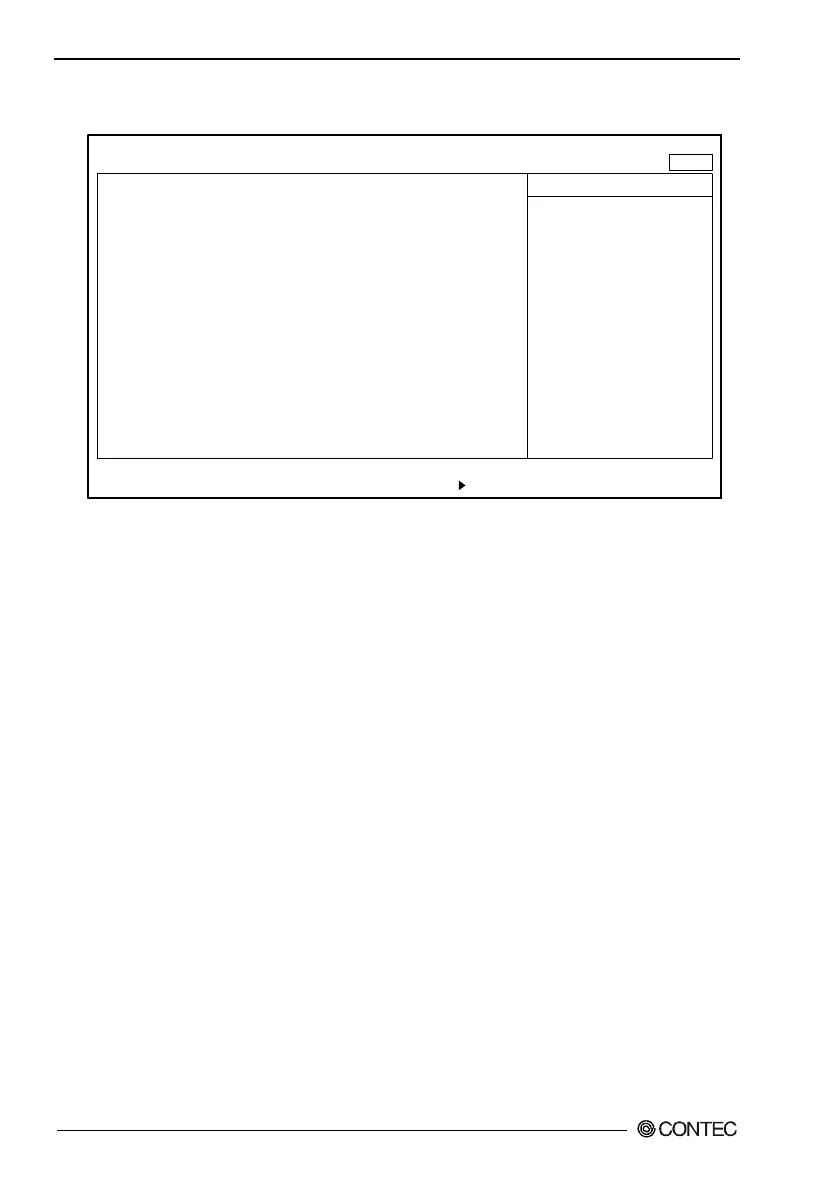
Exit Window
Exit Saving Changes
Exit Discarding Charges
Load Setup Defaults
Discard Changes
Saves Changes
F1 Help
↓
Select Item -/+ Change Values F9 Setup Defaults
Esc Exit
←→
Select Menu Enter Select Sub-Menu F10 Save and Exit
PhoenixBIOS Setup Utility
Main Embedded Advanced Security Power Boot Exit
Item Specific Help
Exit System Setup and
save your changes to
CMOS.
↓
Figure 4.12. Exit Window
Exit Saving Changes : Saves values that have been modified
on the setup screen in CMOS
(EEPROM *1) and restarts the system.
Exit Discarding Changes : Restarts the system using the previous
values without saving modified values
in CMOS (EEPROM *1).
Load Setup Defaults : Sets default values that are in the
possession of BIOS.
Discard Changes : Loads values that are currently in the
possession of CMOS(EEPROM *1).



 To Next Page