4. BIOS Setup
42 User’s Manual
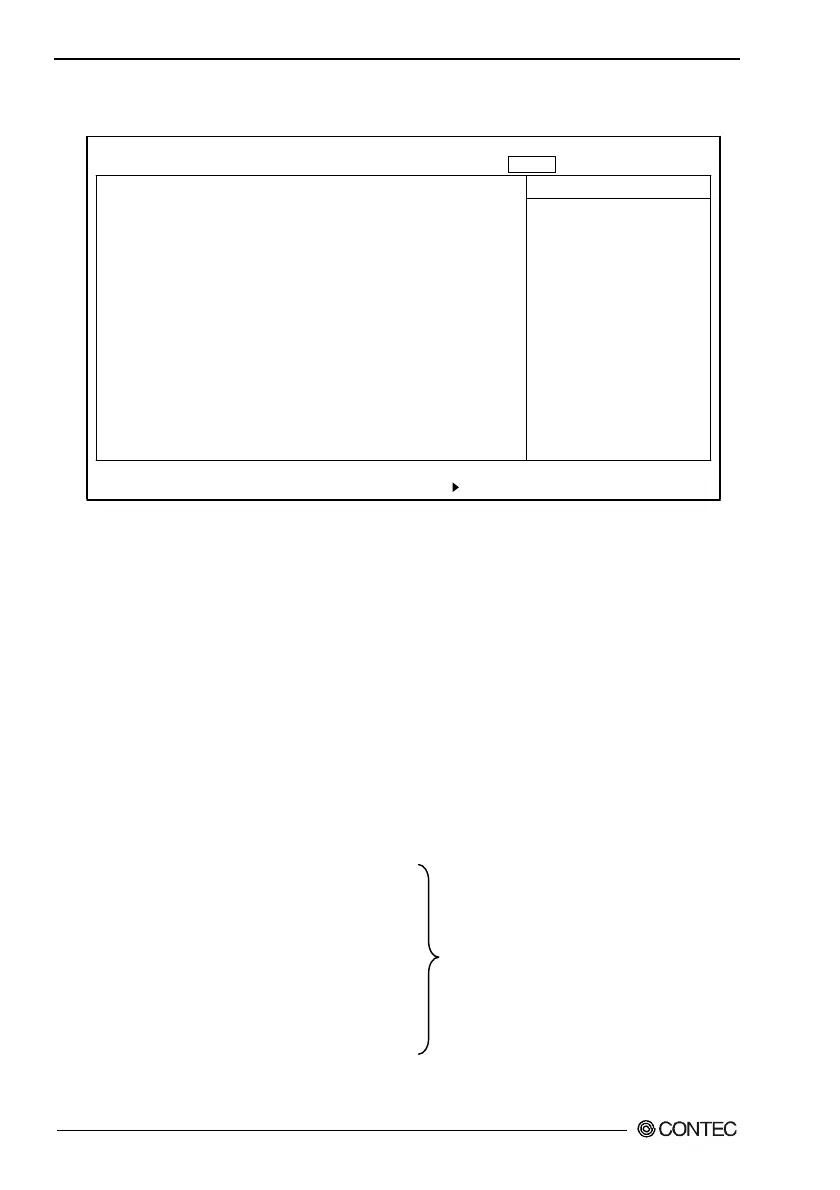
Power Window
Power Savings: [Disabled]
Standby Timeout: [Off]
Auto Suspend Timeout: [Off]
IDE Drive 0 Monitoring: [Disabled]
IDE Drive 1 Monitoring: [Disabled]
IDE Drive 2 Monitoring: [Disabled]
IDE Drive 3 Monitoring: [Disabled]
PCI Bus Monitoring: [Disabled]
F1 Help
↓
Select Item -/+ Change Values F9 Setup Defaults
Esc Exit
←→
Select Menu Enter Select Sub-Menu F10 Save and Exit
PhoenixBIOS Setup Utility
Main Embedded Advanced Security Power Boot Exit
Item Specific Help
Maximum Power Savings
conserves the greatest
amount of system power.
Maximum Performance
conserves power but
allows greatest system
performance. To alter
these settings, choose
Custumized. To turn off
power management.
choose Disabled.
↓
Figure 4.10. Power Window (Factory Settings)
Power Savings : Specify whether or no to use power-
saving mode. Choose from "Off",
"Customize," "Maximum
Performance," and "Maximum Power
Savings."
Standby Timeout : Specify the length of time from the idle
state through entry into standby mode.
Standby mode turns off the power to
peripherals including the screen.
Auto Suspend Timeout : Specify the time of transition from
standby mode to suspend mode.
IDE DRIVE 0 Monitoring :
IDE DRIVE 1 Monitoring : Specify whether or not to use
IDE DRIVE 2 Monitoring : a device as an idle timer reset
IDE DRIVE 3 Monitoring : event.
PCI Bus Monitoring :



 To Next Page