4. BIOS Setup
User’s Manual
41
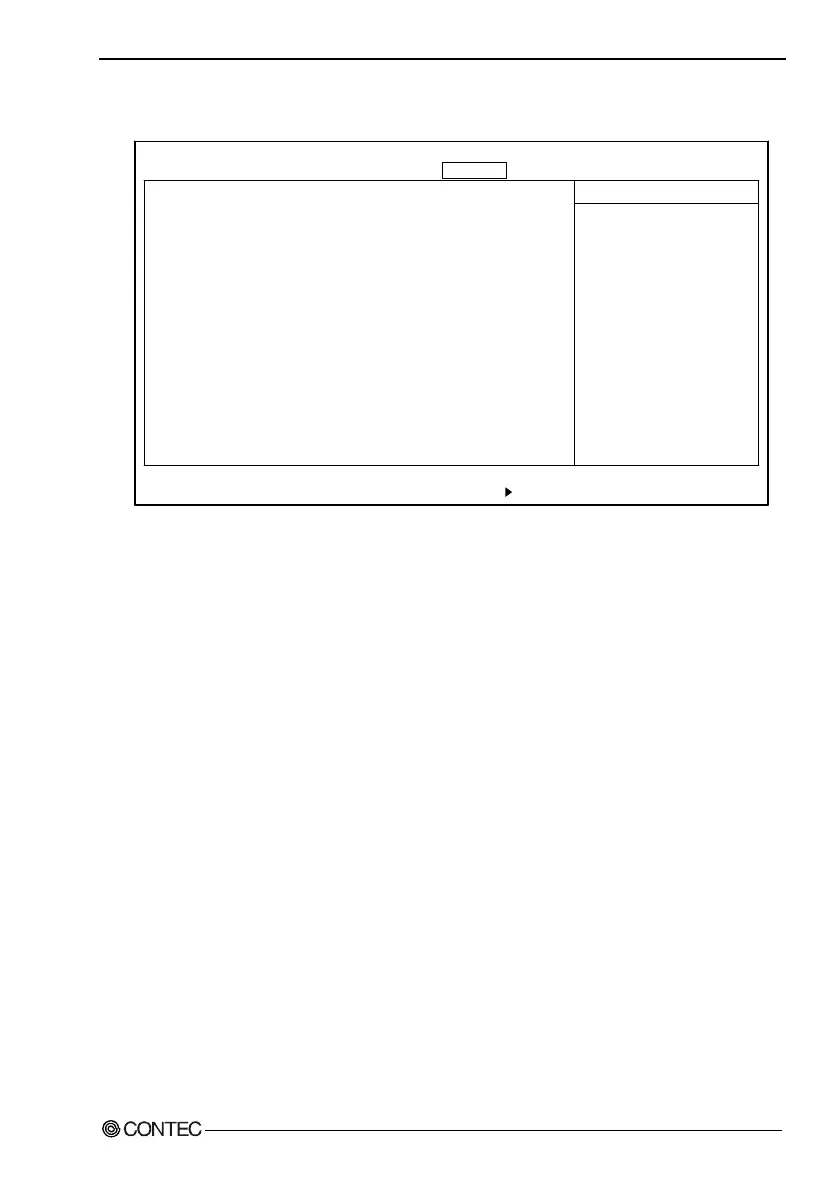
Security Window
PhoenixBIOS Setup Utility
Main Embedded Advanced Security Power Boot Exit
Set User Password [Enter]
Set Supervisor Password [Enter]
Supervisor Password Is: Clear
User Password Is: Clear
Password on boot: [Disabled]
Clear All Passwords [Enter]
F1 Help
↓
Select Item -/+ Change Values F9 Setup Defaults
Esc Exit
←→
Select Menu Enter Select Sub-Menu F10 Save and Exit
Item Specific Help
Supervisor Password
controls access to the
setup utility.
↓
Figure 4.9. Security Window (Factory Settings)
Set Supervisor Password : Specify whether or not to require a
password during setup. If a password
is set, "Supervisor Password is" is
enabled. Supervisor mode allows all
settings to be set.
Set User Password : Specify whether or not to require a
password during setup. If a password
is set, "User Password is" is enabled.
User mode allows only the date and
time to be set.
Password on boot : Specify whether or not to require a
password when booting.
Clear All Password : Both passwords can be erased by
Supervisor.
Note!
Once a password is registered, even the password function itself
cannot be cancelled without the password. Passwords should be
handled with great care.



 To Next Page