4. BIOS Setup
User’s Manual
31
Embedded Window
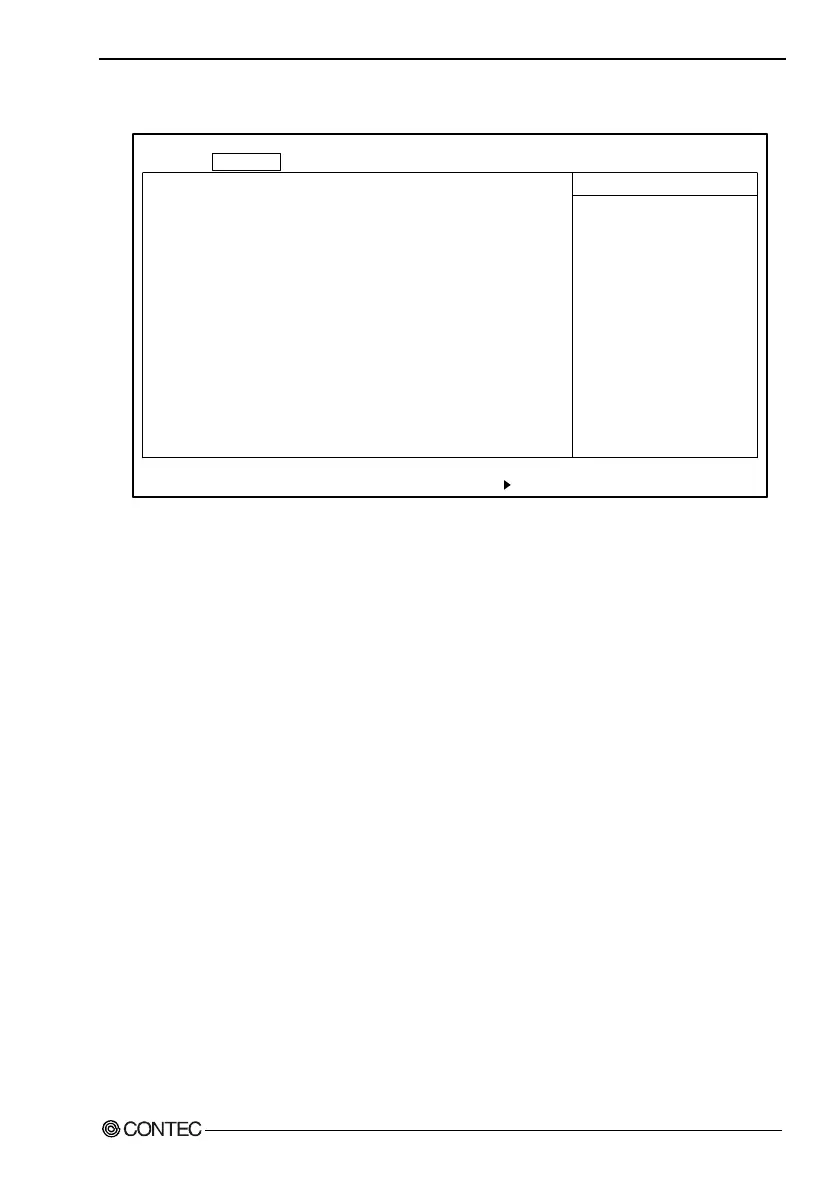
Keyboard Error Disp.: [Disabled]
RTC check: [Enabled]
Memory Safemode: [Enabled]
System Clock(CPU/PCI MHz): [100.3/33.43]
Spread Spectrum Modulation: [Enabled]
CRT/FPD: [AUTO Select]
DOC Address: [Disabled]
Watch-dog Timer: [Disabled]
PCIC Irq Mode: [Continous]
Push switch function: [Reset]
F1 Help
↓
Select Item -/+ Change Values F9 Setup Defaults
Esc Exit
←→
Select Menu Enter Select Sub-Menu F10 Save and Exit
PhoenixBIOS Setup Utility
Main Embedded Advanced Security Power Boot Exit
Item Specific Help
Restrain error display
of no keyboard.
↓
Figure 4.4. Embedded Window (Factory Settings)
Keyboard Error Disp. : Specify whether or not to display errors
when no keyboard is used.
RTC check : Specify whether or not to display time
errors when the RTC backup battery is
depleted.
Memory Safemode : Set to Enable.
System Clock(CPU/PCI MHz) :
Set the system clock. Normally, set to
"100.3/33.43." However if you are
concerned with heat dissipation, for
example, set to "66.8/33.40."
Spread Spectrum Modulation : Set to Enable.



 To Next Page