20 | CORNING VIDEODROP
7.2.5 Main interface Parameters
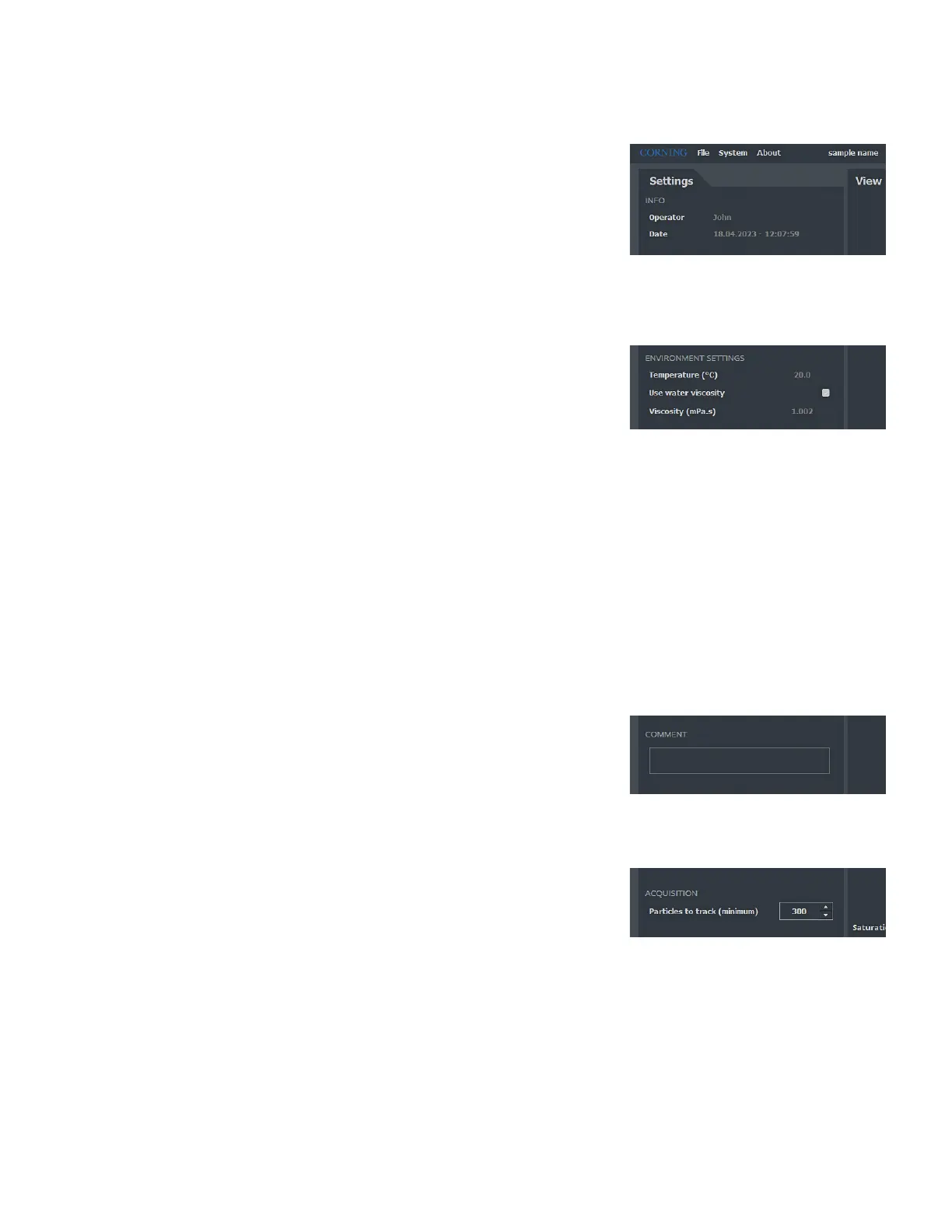
INFO (Non-modifiable Information)
Sample name
The sample name has been entered by the operator in the Welcome window.
It cannot be modified.
Operator name
The operator’s name is automatically specified by the software using the Windows
session ID been used. It cannot be modified.
Date
The date is automatically entered into the software. It cannot be modified.
ENVIRONMENT SETTINGS
Temperature (°C)
Sample temperature range: 2°C to 40°C. It is recommended to use Room
Temperature.
Use water viscosity (mPa.s)
Check box. If the sample is an aqueous medium, check the Use Water Viscosity box.
The viscosity will automatically be adjusted with temperature
1
. This box is checked
by default.
Viscosity (mPa.s)
Viscosity of the sample. If the viscosity of your sample is different from the viscosity
of pure water, uncheck the Use Water Viscosity box, and enter manually the
viscosity of your sample.
Range: 0.3 to 10 (mPa.s).
To guarantee the quality of the results delivered, the temperature and the viscosity of
the sample must be adjusted according to the experimental conditions.
NOTE: You will not be able to change the sample temperature and viscosity once the
sample is created.
1
Kestin J, Sokolov M, Wakeham WA. Viscosity of liquid water in the range -8 °C to 150 °C.
JPCRD 7, 941-948 (1978).
COMMENT
Free comment space.
For a new sample: This insert could have been pre-filled in the Welcome window. It
can be modified until the measurement is recorded.
For a loaded sample: Commentary written when the measurement has been made.
This comment cannot be changed.
ACQUISITION
Particles to track (minimum): Targeted number of particles to track in a
measurement. The software will do videos one after the other and accumulate
tracked particles until it reaches this number. When this number (or the maximum
number of videos in a measurement) is reached, the measurement stops.
Range: 0 to 10,000 (tracked particles).



 To Next Page