26 | CORNING VIDEODROP
7.5 Additional information
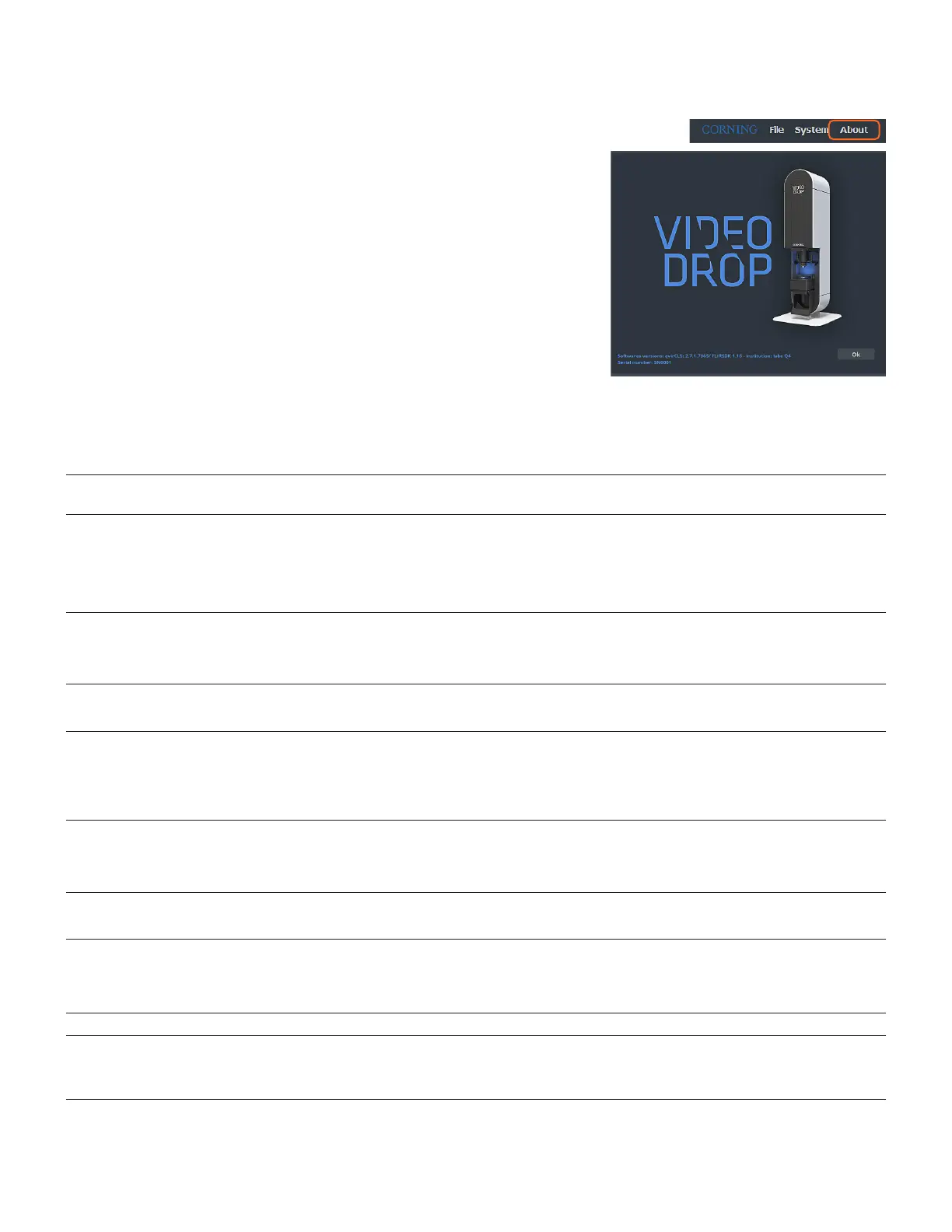
For more information on the Videodrop, click on About.
The software version and Videodrop serial number are displayed in this window.
7.6 Warning and Error messages
7.6.1 Warning messages
The following table summarizes the warning messages that can be displayed in qvirCLS.
Warning/Information Message Meaning/Recommendations
Camera initialization. Please wait. Normal message when qvirCLS opens and initiates
communication protocol with the camera.
Connection error.
Videodrop not powered or/and usb cable not connected.
Read only mode activated.
Normal message if qvirCLS is used in read only mode (Videodrop
is not powered to only visualize previously saved measurements).
Otherwise, make sure the Videodrop power supply is connected
to a functioning power outlet; the power switch is ON; the USB
wires are correctly connected.
Connection error.
Camera cable not connected.
Read only mode activated.
Make sure the Videodrop power supply is connected to a
functioning power outlet; the power switch is ON; the USB video
cable is correctly connected.
Videodrop is already running.
Impossible to run two Videodrop sessions.
Two qvirCLS windows cannot be launched simultaneously in the
same Windows account.
Connection error.
Videodrop is already running in another windows session.
Impossible to run two Videodrop sessions or Videodrop not
powered or/and usb cable not connected.
Two qvirCLS windows cannot be launched simultaneously in two
different Windows accounts. Check that the Videodrop is correctly
powered and connected.
Close the previously open Videodrop session to open a new one.
No camera installed on this computer.
Please install Matrox or ActiveSilicon.
Read only mode activated.
Please contact Corning support team (Videodrop@corning.com)
or your local representative.
Matrox and Active Silicon frame grabbers are detected.
Matrox frame grabber will be ignored.
Please contact Corning support team (Videodrop@corning.com)
or your local representative .
Camera saturation is outside optimal range.
We recommend to adjust saturation.
When Record is clicked and the saturation is outside the
recommended saturation range, using the adjust saturation tool
(quick access in the popup message) allows to quickly reach the
proper range.
A Preview cannot be exported. Record data before exporting result.
XX videos were not recorded within recommended saturation
range.
Do you confirm export?
Saturation was not in the recommended range for some of the
videos recorded in this measurement. Make sure it is OK before
exporting results.



 To Next Page