⚫ Step 4 Click the file that you want to upgrade.
The selected file is displayed in the Update File box.
Step 5 Click Start.
1.10.4.4.2 Online Upgrade
⚫ When the Device is connected to Internet, you can use online upgrade function to upgrade the system.
⚫ Before using this function, you need to check whether there is any new version by auto check or manual
check.
⚫ Auto check: The Device checks if there is any new version available at intervals.
⚫ Manual check: Perform real-time check whether there is any new version available.
⚫ Ensure the correct power supply and network connection during upgrading; otherwise the upgrading
might be failed.
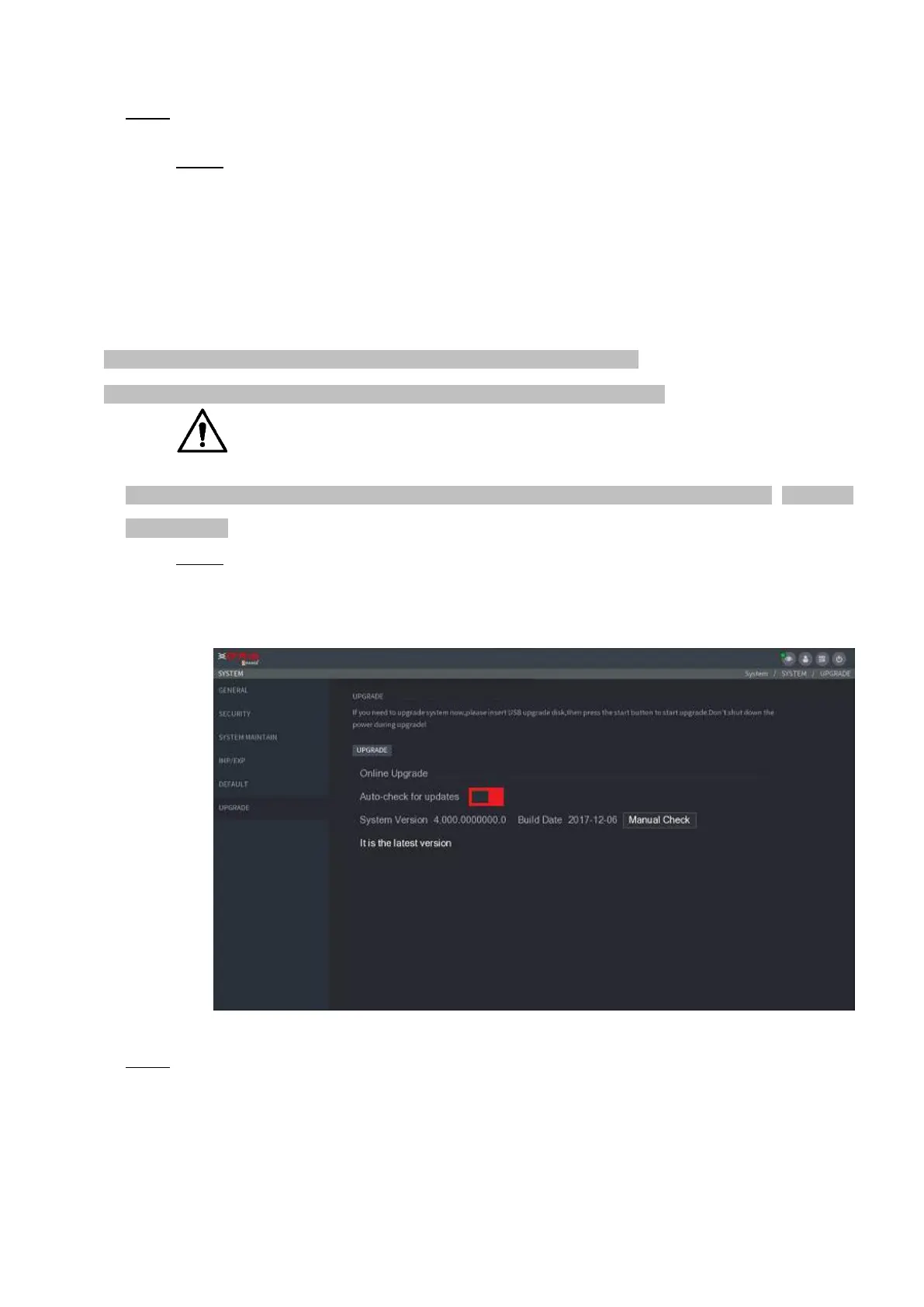
Step 1 Select Main Menu >> OPERATION > SYSTEM MAINTAIN > UPGRADE.
⚫ The UPGRADE interface is displayed. See Figure 1-200.
⚫ Figure 1-200
⚫ Step 2 Check whether there is any new version available.
⚫ Auto-check for updates: Enable Auto-check for updates.



 To Next Page