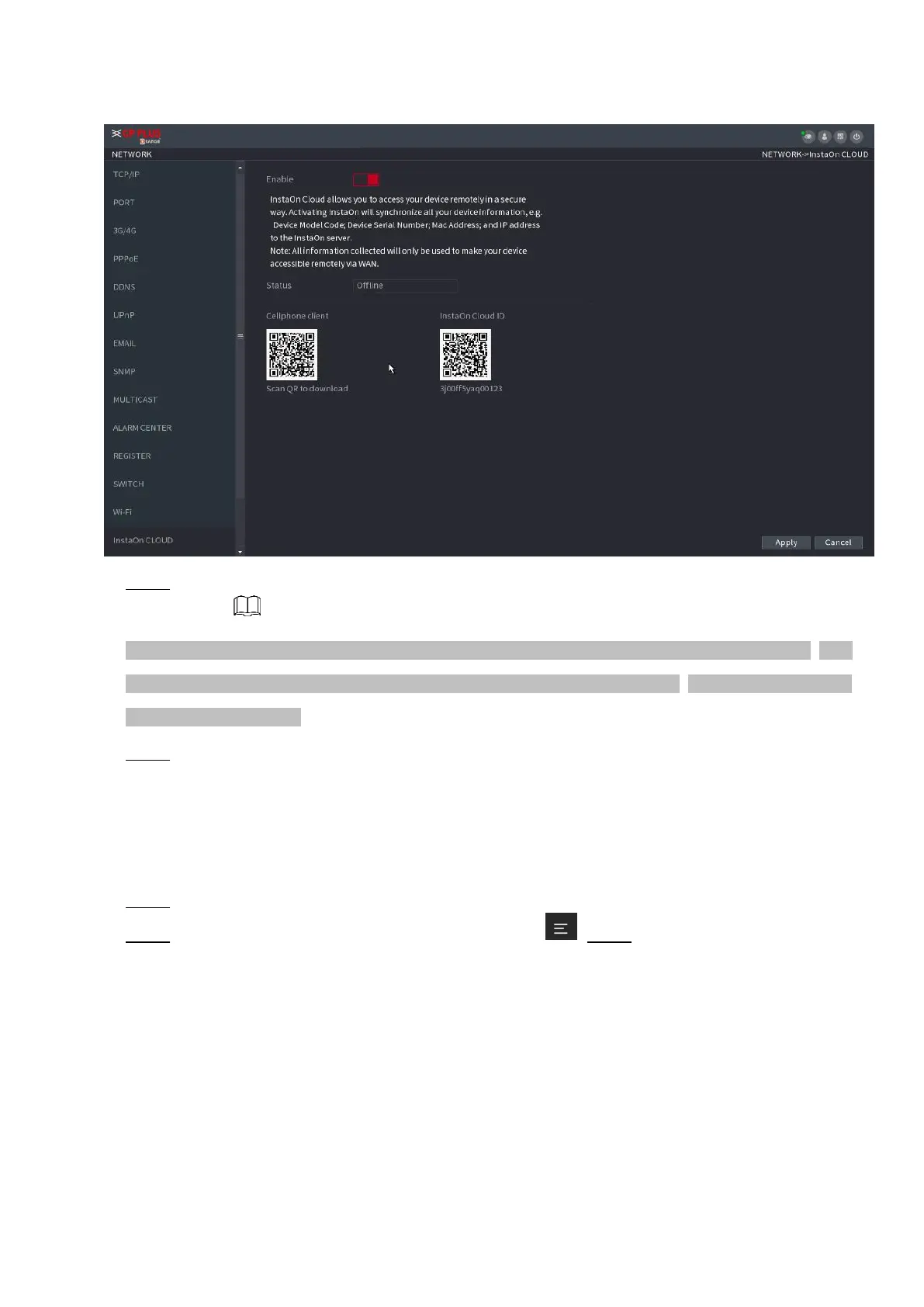
⚫ Figure 1-22
⚫ Step 2 Check the box to enable INSTAON CLOUD function.
⚫ After the INSTAON CLOUD function is enabled and connected to the Internet, the system will collect your
information for remote access, and the information includes but not limited to email address, MAC address,
and device serial number.
⚫ Step 3 Click Next button to complete setup.
⚫ The status is online if the INSTAON CLOUD registration is successful.
Client Operation
⚫ Step 1 Use your cell phone to scan the QR code under Cell Phone Client to download the application.
⚫ Step 2 On your cell phone, open the application, and then tap . Step 3 The menu is displayed. You can
start adding the device.
1) Tap Device Manager.
The Device Manager interface is displayed. See Figure 1-23.



 To Next Page