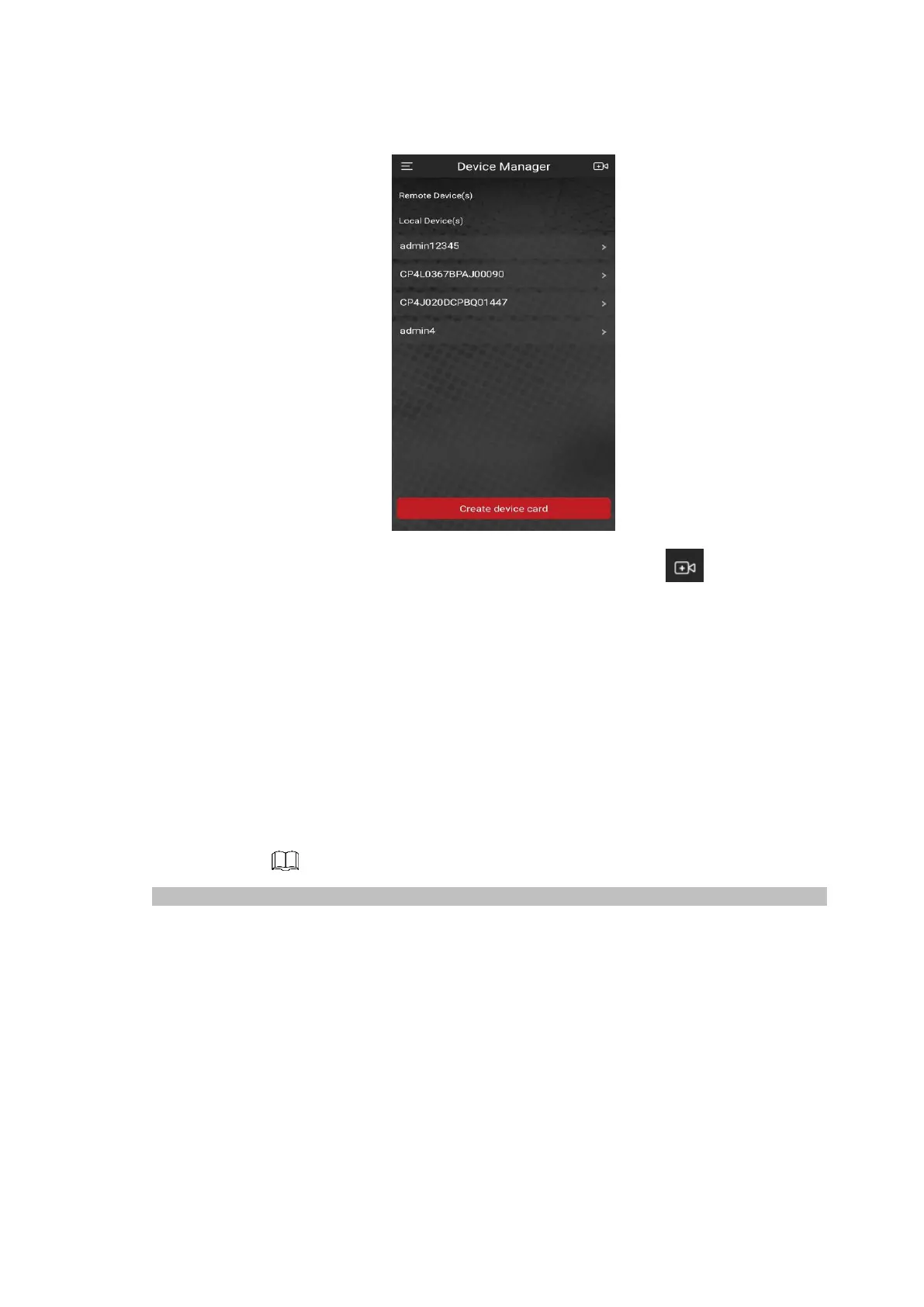
⚫ Figure 1-23
⚫
2) Tap on the top right corner.
⚫ The interface requiring device initialization is displayed. A pop-up message reminding you to make
sure the Device is initialized is displayed.
3) Tap OK.
⚫ If the Device has not been initialized, Tap Device Initialization to perform initializing by following the
onscreen instructions.
⚫ If the Device has been initialized, you can start adding it directly.
4) Tap Add Device.
⚫ The Add Device interface is displayed. See Figure 1-24.
⚫ You can add wireless device or wired device. The Manual takes adding wired device as an example.
⚫ Figure 1-24



 To Next Page