⚫ The right-click menu is different for different models. The actual interface shall prevail.
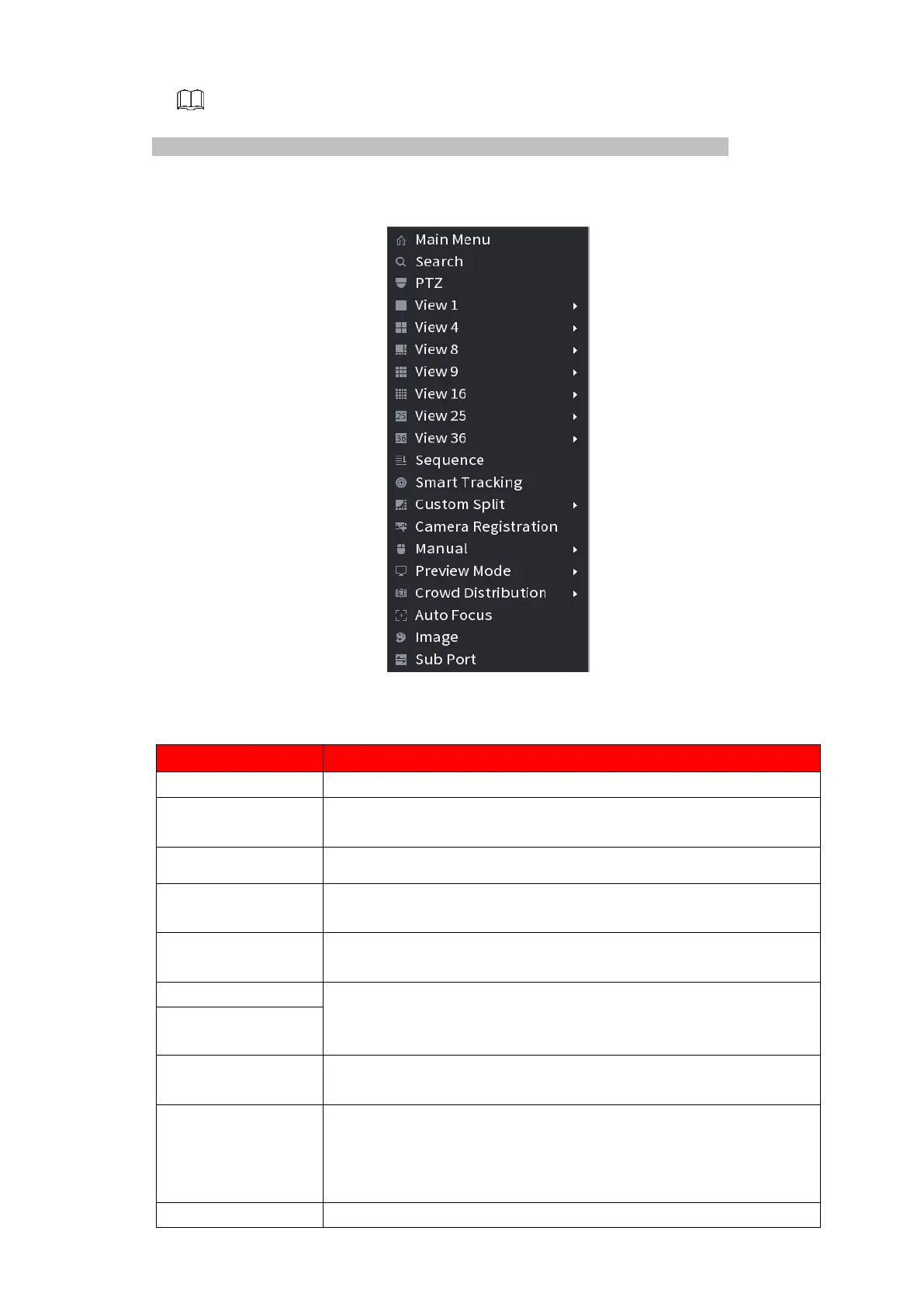
⚫ Figure 1-69
⚫ Table 1-18
Open Main Menu interface.
Open the PLAYBACK interface where you can search and play
back record files. For details, see "1.6 Playback and Search."
Open the PTZ interface. For details, see "1.4 PTZ."
Configure the live view screen as a single-channel layout or
multi-channel layout.
Set customized screen split mode and channels. For details, see
"1.3.4 Sequence."
Click Previous Screen to go to the previous screen. For example, if
you are using 4-split mode, the first screen is displaying the
channel 1-4, click Next screen, you can view channel 5-8.
Open the CAMERA REGISTRATION interface. For details, see
"1.1.4.4 Registration."
⚫ Select Record, you can configure the recording mode as
Auto or Manual or stop the recording. You can also enable or
disable snapshot function
⚫ Select Alarm Out, you can configure alarm output settings.
⚫ There are two modes: regular/AI mode.



 To Next Page