34
Step 3 Install the wirebox:
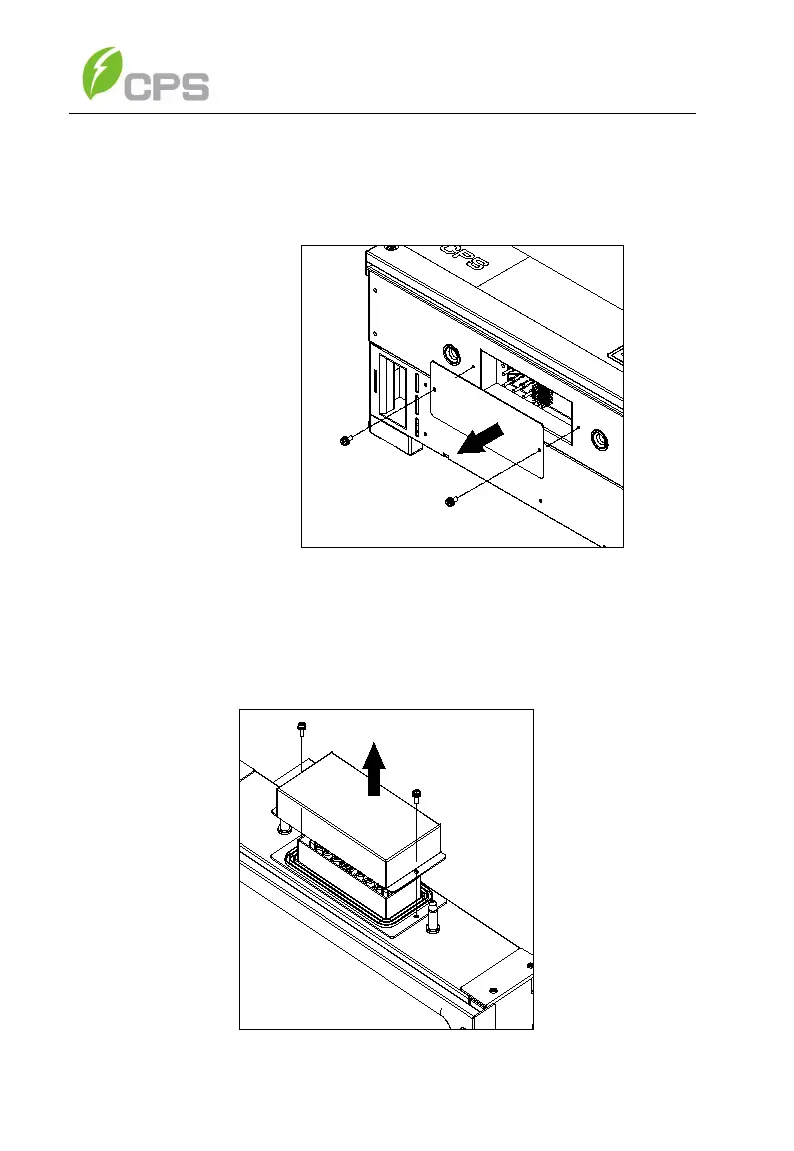
(a) Remove the cover plate at the bottom of the main
enclosure. Tool required: No. 2 Phillips head screwdriver
Figure 3-11 Main Enclosure Cover Plate
(b) Remove screws securing the bulkhead cover at the top of
the wirebox – COVER IS NOT WATER-TIGHT.



 To Next Page