77
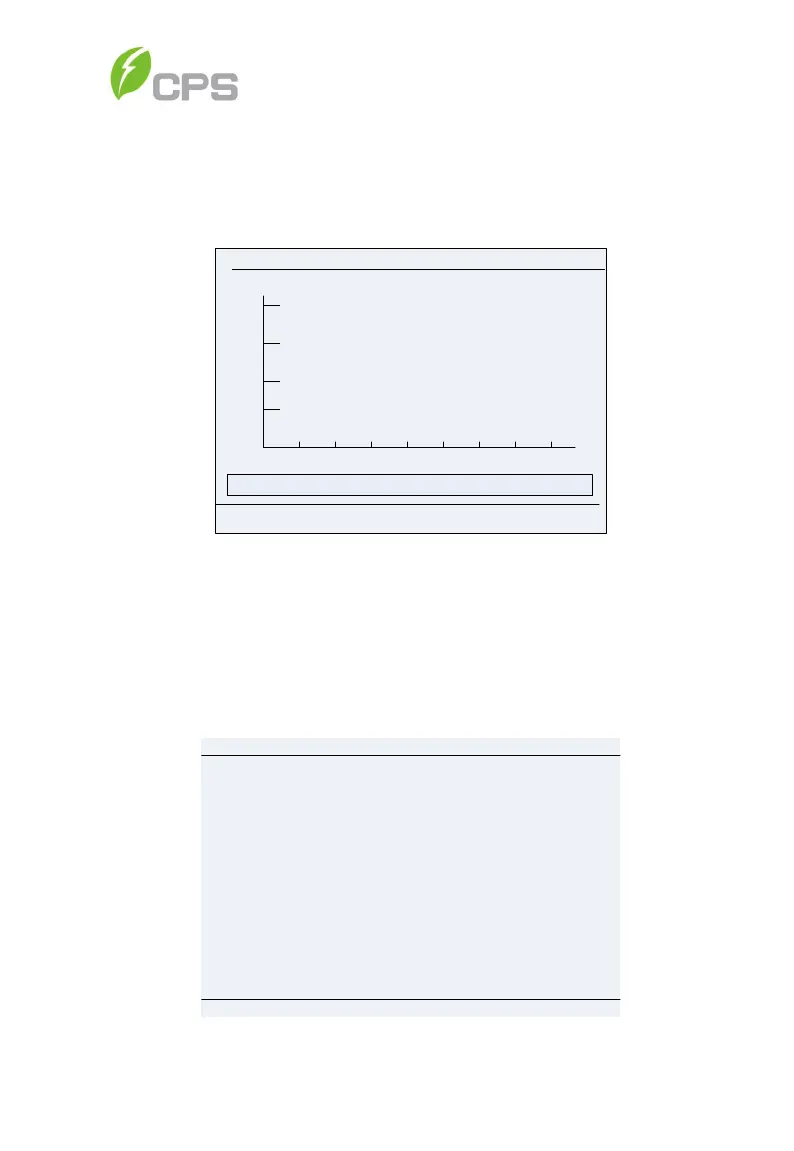
11. When the LCD screen shows the normal operation status (Figure 5-8)
and the “RUN” light on the LED panel is illuminated, this is an
indication that the grid connection and power generation are
successful.
E-T:0.0kWh
2015
-10-
22 12:00:00
E
-D:0
.0kWh
3
6
9 12 15
18 21 24
h
15
30
45
60
kWh
Standby Addr:001
PV
1:
0
.0
V
0.0A
Figure 5-8 Normal Operation Status
12. If the inverter fails to operate normally, the “FAULT” light will illuminate
and the fault menu will be displayed. Select Current Error and press
ENT to access the current faults the inverter has recorded. This
information will show on the LCD screen as shown in the Figure 5-9.
Current Error
P1/1
Date Fault
2015/10/22 12:20:08 ArcboardErr
2015/10/22 12:20:08
2015/10/22 12:20:08 Fault0040
2015/10/22 12:20:08
2015/10/22 12:20:08
Time
Fault0040
Fault0040
Fault0040
Figure 5-9 Fault Information Interface



 To Next Page