Web Interface Configuration Guide — Doc. 8907B HD-MD4X2-4KZ-E and HD-MD4X1-4KZ-E • 5
Rebooting the AV Switchers
Certain changes to the settings may require the AV switchers to be rebooted to take effect. To
reboot the device, do the following:
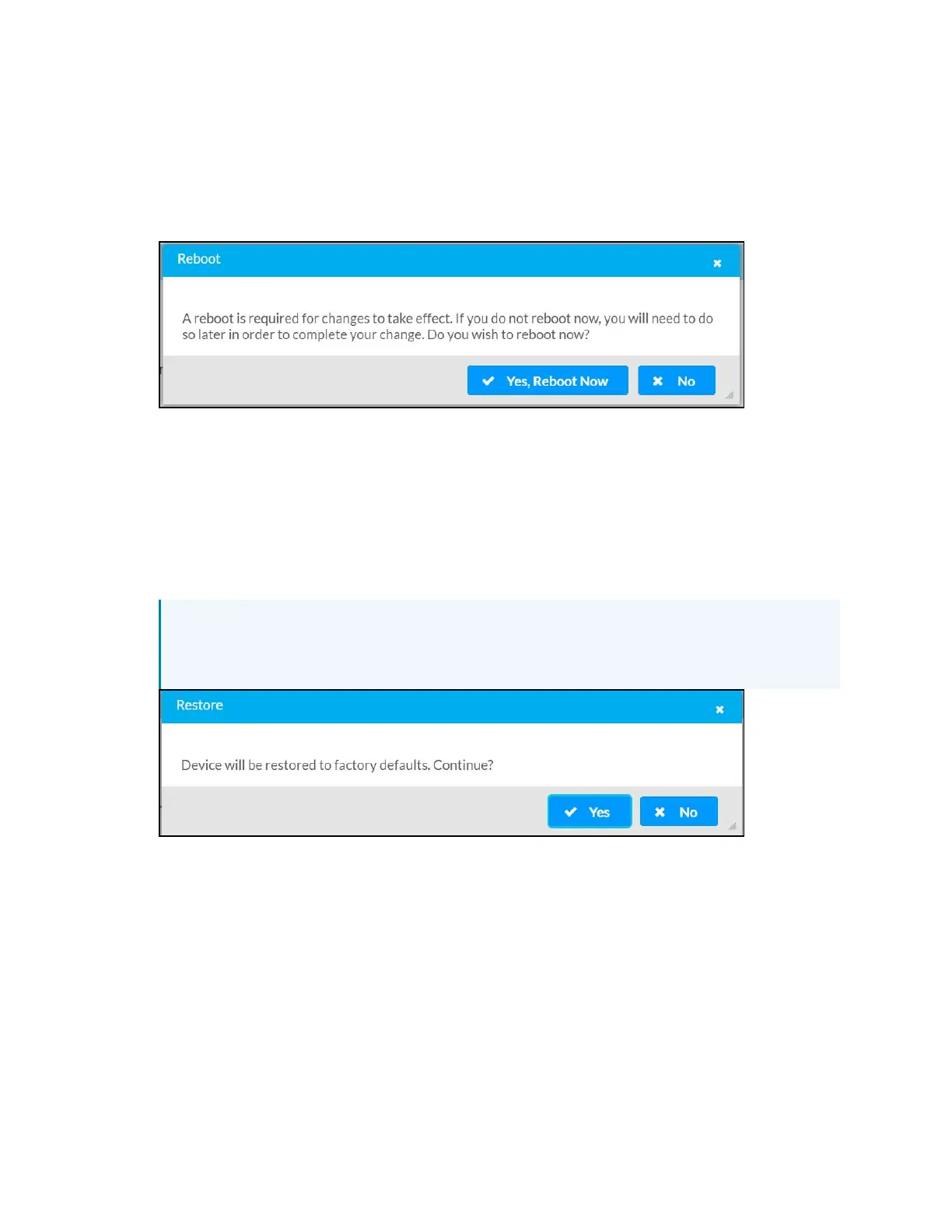
1. Click Reboot in the Actions drop-down menu. The Confirmation message box appears.
2. Click Yes, Reboot Now to reboot the device. The Reboot message box appears.
Wait for the device reboot to complete before attempting to reconnect to the device.
Restoring to Factory Default Settings
1. Click Restore in the Actions drop-down menu to restore the settings of the AV switchers to
factory defaults.
NOTE: When settings are restored, all settings, including the network settings, will
revert to the factory default. If a static IP address is set, restoring the device to
factory default settings will revert the IP address to the default DHCP mode.
2. Click Yes in the Confirmation dialog to restore the AV switchers to factory settings. Click
No to cancel the restore operation.
A dialog is displayed again, indicating that the Restore process was successful and that
the device rebooted.












 To Next Page