Web Interface Configuration Guide — Doc. 8907B HD-MD4X2-4KZ-E and HD-MD4X1-4KZ-E • 13
Status
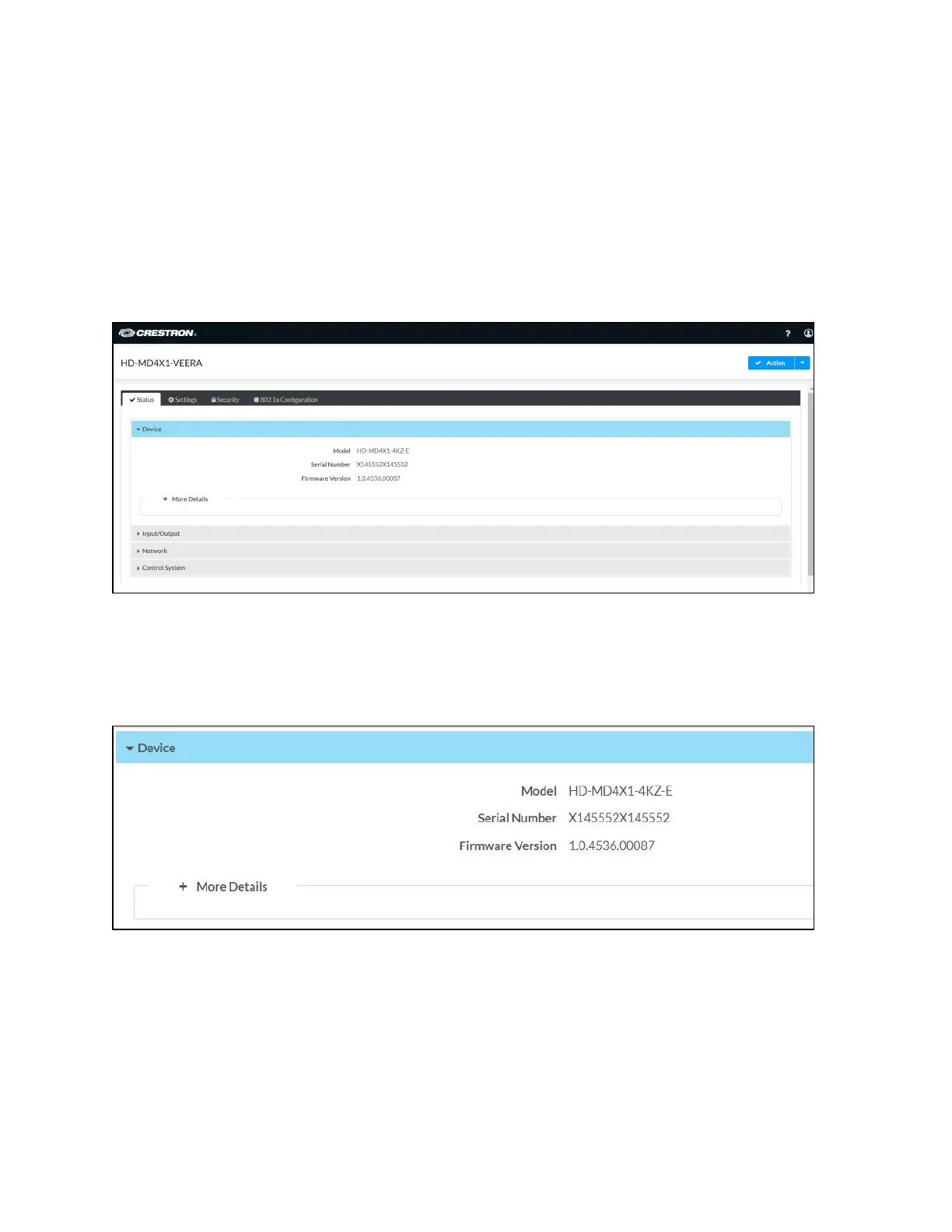
The Status tab is the first page displayed when starting the interface of the AV switchers. It
displays general information about the AV switchers (such as Model Name, Serial Number, and
Firmware Version), current network settings (such as Host Name and IP Address, etc.), input and
output ports, as well as information about the connection to the control system.
The Status tab can be accessed at any time by clicking the Status tab of the AV switchers
interface.
Information displayed on the Status tab is organized into different sections.
Device
The Device section displays the Model, Serial Number, and Firmware Version of the AV switchers.
Click + More Details to review additional information about the AV switchers.












 To Next Page