12 • HD-MD4X2-4KZ-E and HD-MD4X1-4KZ-E Web Interface Configuration Guide — Doc. 8907B
Uploading Configuration
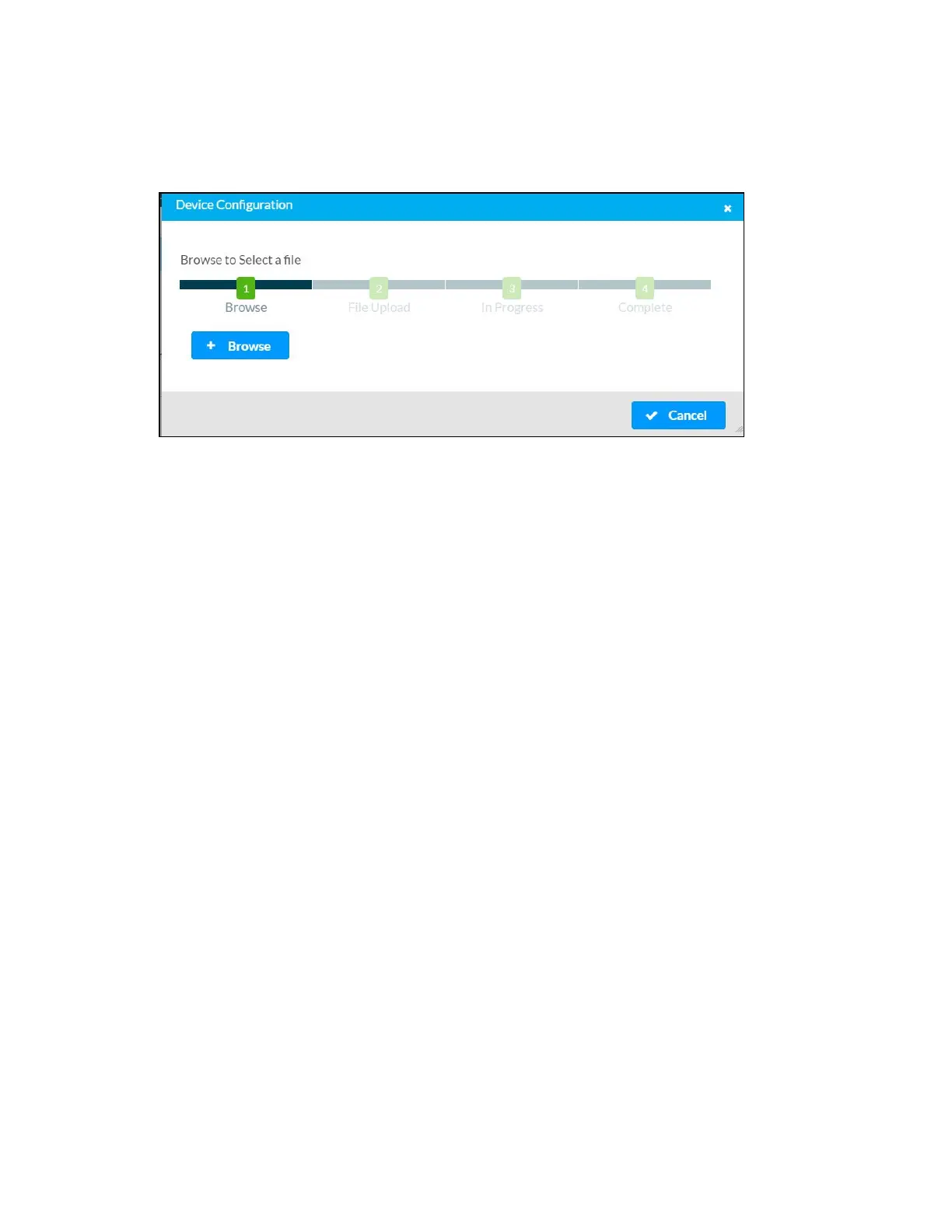
1. Click Upload Configuration in the Actions drop-down menu.
2. Click the + Browse button.
3. Navigate to the configuration file, select the file, and then click Open.
4. Click the Load button. The Confirmation dialog appears.
5. Click Yes, Reboot Now to reboot the device. The Reboot message box appears.












 To Next Page